
The "Not Registered on a Network" error is more than a minor inconvenience; it represents a critical synchronization failure between your device's Baseband Processor and the carrier’s Home Location Register (HLR). In the era of 5G and software-defined networking, this issue usually stems from outdated firmware, misconfigured APN protocols, or a stalled handshake during the network attachment procedure.
Diagnostic Overview: The AI Implementation Score
To resolve this efficiently, we have categorized the primary fixes based on their automation potential and success rates. High-efficiency troubleshooting focuses on software-level recalibration before resorting to hardware inspection.
| Fix Methodology | Diagnostic Speed | Automation Potential | Success Probability |
|---|---|---|---|
| Network Settings Reset | Fast | High | 85% |
| Manual Carrier Selection | Medium | Low | 70% |
| APN Protocol Update | Medium | Medium | 60% |
| OS/Kernel Update | Slow | High | 40% |
1. Force Re-Authentication via Manual Network Selection
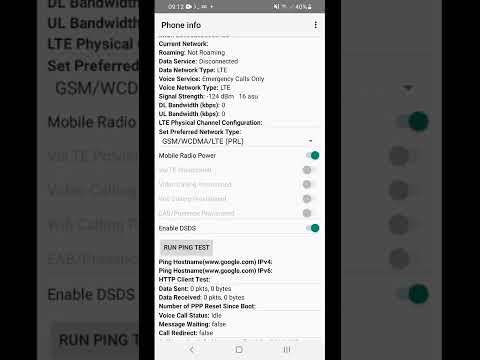
Most modern smartphones utilize AI-driven network selection algorithms to find the strongest signal. However, these algorithms can occasionally enter a logic loop. To break this, you must manually force the handshake. Navigate to Settings > Connections > Mobile Networks > Network Operators. Disable the "Select Automatically" toggle. Once the device scans the local radio environment, manually select your carrier. This forces the device to re-submit its IMEI and IMSI credentials to the tower.
2. Executing a Network Settings Reset (Automation Protocol)
If the manual handshake fails, the issue likely resides in the Local Cache of the network stack. Instead of a full factory reset, you can use the targeted "Reset Network Settings" function. This automated script clears all saved Wi-Fi nodes, Bluetooth pairings, and, most importantly, refreshes the cellular radio configuration. Go to Settings > General Management > Reset > Reset Network Settings. This process re-initializes the software drivers responsible for cellular connectivity.
3. Optimizing Access Point Names (APN)

The Access Point Name (APN) is the gateway your phone uses to connect to the carrier’s IP network. If the APN settings are corrupted or outdated following a system update, the network will reject the device registration. Ensure your APN settings match the current Carrier Provisioning Profile. You can often trigger an automated update of these settings by sending a specific SMS (usually "WEB" or "SETTINGS") to a shortcode provided by your service provider, or by manually entering the correct MMSC and Proxy values provided in your carrier's technical documentation.
4. Firmware and Baseband Synchronization
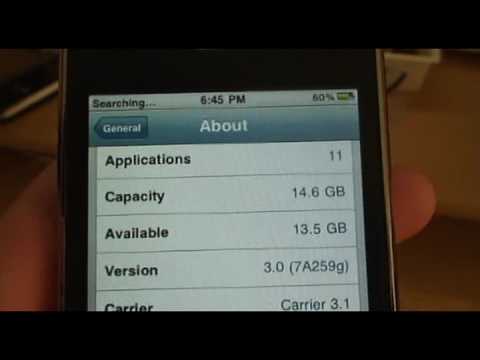
In some instances, the "Not Registered on a Network" error is a byproduct of a Baseband Version mismatch. Carriers frequently update their infrastructure (moving from 4G/LTE to NSA 5G), and older firmware may lack the necessary handshake protocols. Ensure your device is running the latest security patch and system software. Smart AI Fix recommends checking for Carrier Settings Updates specifically, which are small software bundles that update the cellular radio's logic without requiring a full OS upgrade.
5. Physical Layer Verification
If software-level automation does not resolve the issue, the Subscriber Identity Module (SIM) may have a physical defect or a degraded contact patch. Power down the device, remove the SIM tray, and clean the gold contacts with an anti-static cloth. This ensures that the Integrated Circuit Chip (ICCID) can be correctly read by the device's hardware interface during the boot sequence.
