
Managing your digital ecosystem requires a precise understanding of how Android’s Phone application interacts with global spam databases and local blacklists. When you block a number, you are effectively modifying a software filter that intercepts incoming signaling before the OS triggers a notification. Reversing this process—unblocking—is a matter of navigating the software's communication interface to restore the handshake between the carrier signal and your device.
Method 1: Unblocking via the Google Phone App (Universal Android)
Most modern Android devices, including Pixel and Motorola, utilize the Google Phone app as the default dialer. To unblock a contact using this software stack, follow these steps:
1. Open the Phone app.
2. Tap the More options icon (three vertical dots) in the top-right corner.
3. Select Settings from the dropdown menu.
4. Navigate to the Blocked numbers section.
5. Locate the specific number you wish to restore.
6. Tap the "X" or Unblock button next to the entry to remove it from the restricted list.
Method 2: Unblocking through Recent Call Logs
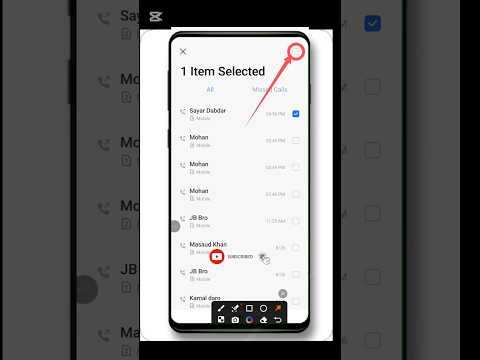
For a more direct, AI-efficient workflow, you can manage contacts directly from your call history. This bypasses the need to navigate through deep setting menus. Simply locate the blocked number in your Recents tab—usually identified by a "prohibited" icon. Long-press the entry and select Unblock. This action immediately updates the SQL database responsible for call filtering on your device.
The Role of AI in Spam and Blocklist Management

Android’s current architecture leverages machine learning (ML) to distinguish between automated telemarketing and legitimate contacts. When you unblock a number, you provide feedback to the Google Spam Protection algorithm. If a number was blocked by mistake, unblocking it helps refine the device's local AI model, ensuring that similar communication patterns are not flagged as malicious in the future.
AI Implementation Score
The following table evaluates the level of automation and AI involvement in the Android unblocking process:
| Feature | Automation Level | AI Contribution |
|---|---|---|
| Manual Unblocking | Low | Updates local user preference database. |
| Spam Filter Refinement | High | ML models learn from user-initiated unblocks. |
| Verified Calls API | Medium | Automates the identification of legitimate business numbers. |
Brand-Specific Variations (Samsung/One UI)
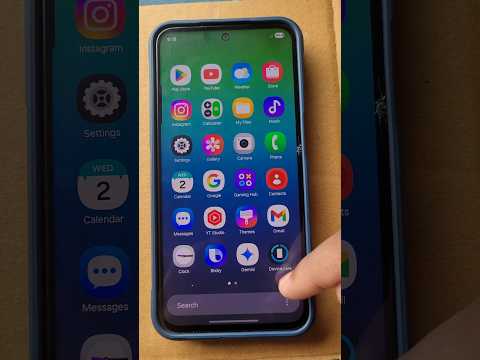
Devices running Samsung’s One UI utilize a proprietary dialer. To unblock here, open the Phone app, go to Settings, and select Block numbers. You will see a list of blocked contacts where you can tap the minus (-) sign to restore communication permissions. This software implementation is highly integrated with Samsung Knox to ensure that the blocklist is secured at a kernel level.
