
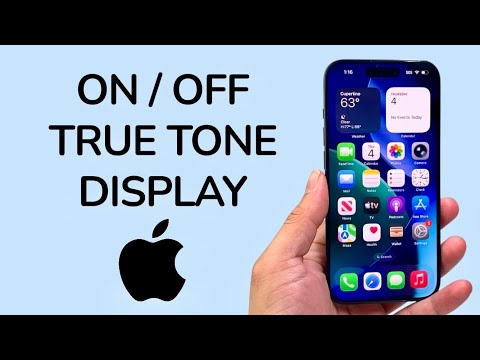
True Tone technology represents a sophisticated intersection of hardware sensors and software automation designed to optimize the visual experience on Apple devices. By utilizing advanced multichannel sensors, the iPhone monitors ambient light conditions and dynamically adjusts the white point and intensity of the display. This ensures that colors appear consistent across different environments, reducing ocular fatigue and enhancing image fidelity.
Method 1: System-Level Configuration via Settings

For users who require a permanent adjustment or need to audit their display hardware status, the Settings menu provides the primary toggle for True Tone. This method is essential for verifying if the feature is available after a hardware repair or screen replacement.
1. Open the Settings application on your iOS device.
2. Scroll down and select Display & Brightness.
3. Locate the True Tone toggle under the Brightness slider.
4. Switch the toggle to ON (green) to enable adaptive color temperature, or OFF to maintain a static D65-standard color profile.
Method 2: Rapid Execution via Control Center
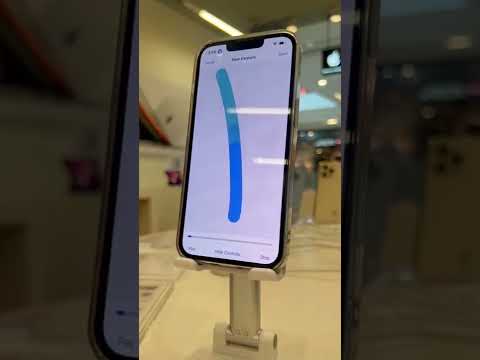
In high-efficiency workflows, navigating through menus is often counterproductive. iOS allows for a haptic-based shortcut to manage display automation on the fly.
1. Swipe down from the top-right corner of the screen (or up from the bottom on older models) to access the Control Center.
2. Perform a Long Press (Haptic Touch) on the Brightness slider.
3. Tap the True Tone icon located at the bottom right of the expanded view to toggle the state.
4. Tap anywhere outside the slider to return to the active interface.
AI Implementation Score: True Tone Automation
At 'Smart AI Fix', we evaluate software features based on their ability to execute intelligent tasks without user intervention. True Tone scores highly for its seamless sensor integration.
| Metric | Score (1-10) | Technical Analysis |
|---|---|---|
| Automation Accuracy | 9.2 | Real-time adjustment with minimal latency. |
| Sensor Integration | 8.8 | Efficient use of ambient light sensors without significant battery drain. |
| User Autonomy | 9.5 | Dual-method toggles allow for quick manual override. |
| Software Efficiency | 9.0 | Low CPU/GPU overhead for color mapping adjustments. |
While True Tone is an exceptional tool for daily productivity and reading, creative professionals engaged in color-critical work (such as photo grading or video editing) should ensure the feature is OFF to maintain a calibrated workspace. For general automation and eye health, however, keeping it enabled is the recommended configuration for modern iOS hardware.
