
The Technical Protocol for Powering On Apple Watch

Initiating the boot sequence on an Apple Watch is the primary gateway to accessing one of the most sophisticated AI-driven wearable ecosystems available today. Whether you are setting up a brand-new Ultra 2 or restarting a Series 9 to refresh its background automation processes, understanding the hardware-software handshake is essential for maintaining peak device performance.
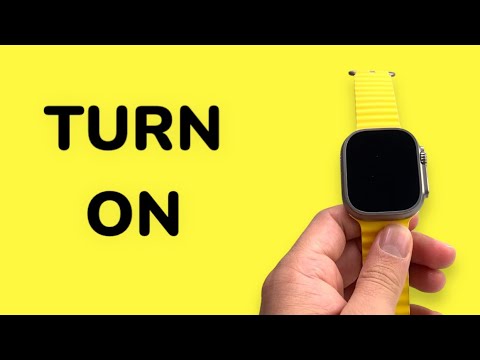
To turn on your Apple Watch, locate the Side Button situated directly below the Digital Crown. Press and hold this button firmly for approximately three to five seconds. You must maintain pressure until the Apple Logo appears on the Retina display. Once the logo is visible, release the button. The watchOS kernel will then begin its initialization phase, loading encrypted user data and established AI shortcuts.
Troubleshooting Power Cycles and Forced Restarts

In scenarios where the device remains unresponsive despite holding the Side Button, the internal lithium-ion battery may have reached a Critical Power State. Connect the device to its magnetic induction charger. If the battery is depleted, you may see a red lightning bolt icon; wait at least 10 minutes for the system to gain enough overhead to initiate a boot.
If the software hangs during the boot sequence—a rare occurrence in modern watchOS versions—you may need to perform a Force Restart. This is achieved by holding both the Side Button and the Digital Crown simultaneously for at least 10 seconds. This bypasses standard shutdown software protocols to trigger a hardware-level power cycle.
AI Implementation Score: Apple Watch OS Efficiency
At 'Smart AI Fix', we evaluate how hardware interactions integrate with automated software environments. The Apple Watch scoring reflects its seamless transition from a "Power Off" state to an "Active AI" state.
| Metric | Score (1-10) | Technical Justification |
|---|---|---|
| Boot Automation | 9.5 | High-speed kernel loading with immediate background sync. |
| Energy Efficiency | 9.0 | Optimized S-series silicon minimizes power draw during startup. |
| AI Assistant Readiness | 8.5 | Siri processing is available within seconds of the UI loading. |
| User Friction | 9.8 | Single-button physical interface prevents accidental triggers. |
Once the device is powered on, the Smart Stack and machine-learning-based complications begin analyzing your biometric data in real-time. Powering on your device is not just about turning on a screen; it is about activating a localized AI node that enhances your personal digital automation workflow.
