
Managing your digital financial ecosystem requires precise control over your stored assets. For users integrated into the Apple ecosystem, removing a credit or debit card from Apple Pay is a fundamental maintenance task that ensures your automated payment workflows remain accurate and secure. Whether you are rotating cards for better cashback algorithms or decommissioning an expired account, the process is streamlined across iOS, iPadOS, and macOS.
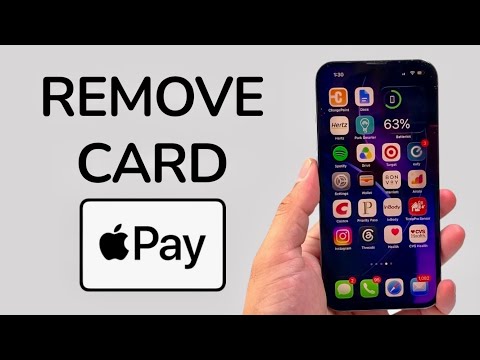
Removing a Card on iPhone and iPad

The primary interface for managing Apple Pay is the Wallet app. To remove a card, follow these technical steps:
1. Launch the Wallet app on your device.
2. Tap on the specific card you wish to decommission.
3. Tap the More button (represented by three dots in a circle) located in the upper-right corner.
4. Select Card Details from the submenu.
5. Scroll to the bottom of the interface and tap Remove Card. Confirm the action when prompted.
Managing Apple Pay via Mac
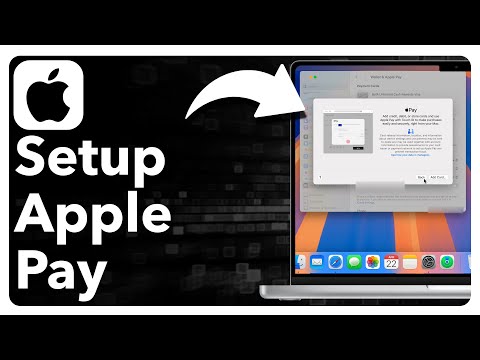
For users utilizing macOS for automated subscriptions and web-based Apple Pay transactions, the removal process is handled through System Settings. This ensures that the Secure Element on your Mac's hardware is wiped of the specific card data.
1. Click the Apple menu and navigate to System Settings (or System Preferences).
2. Locate and click on Wallet & Apple Pay.
3. Select the card you want to delete from the sidebar list.
4. Click the Minus (-) button or select "Remove Card" to finalize the deletion.
AI Implementation Score: Digital Wallet Management
At Smart AI Fix, we evaluate software tasks based on their efficiency and automation potential. Here is how card removal ranks:
| Metric | Score (1-10) | Notes |
|---|---|---|
| Ease of Automation | 4 | Manual confirmation is required for security; cannot be fully scripted via AI for safety. |
| UI Efficiency | 9 | Apple’s interface minimizes clicks to reach the "Remove" trigger. |
| Cross-Device Sync | 8 | Removing from one device often prompts a cleanup on linked iCloud devices. |
| Security Protocol | 10 | Uses hardware-level encryption (Secure Element) to wipe tokenized data. |
Technical Considerations for Automated Billing

It is important to note that removing a card from Apple Pay does not automatically cancel active subscriptions or recurring automated payments tied to your Apple ID. If the card being removed is your primary payment method for the App Store or iCloud+, you must assign a new "Default" card within your Apple ID settings to prevent service interruptions. From an AI efficiency perspective, always ensure your Auto-Fill data is updated simultaneously to avoid friction in future checkout sequences.
