
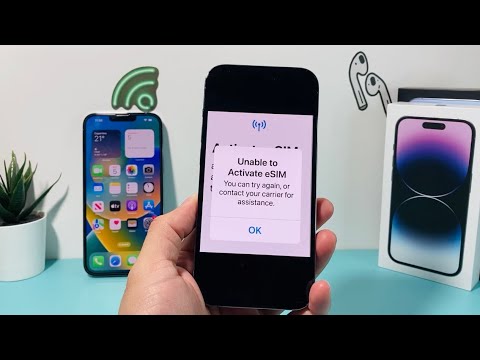
Encountering the error message "Unable to Activate eSIM: You can try again, or contact your network provider for assistance" is a friction point that disrupts the seamless digital transition modern users expect. From a technical architecture standpoint, this failure usually occurs during the handshake protocol between your device’s eUICC (Embedded Universal Integrated Circuit Card) and the carrier’s SM-DP+ (Subscription Management Data Preparation) server.
1. Verify Network Synchronization and Wi-Fi Stability
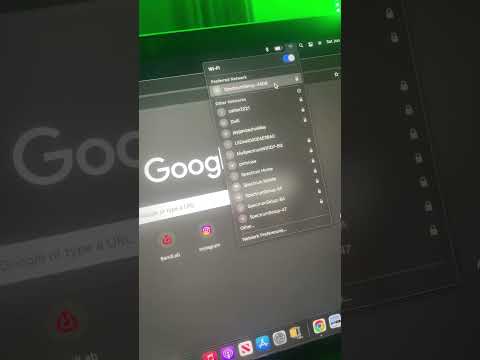
The activation process requires a robust, uninterrupted data tunnel to download the carrier profile. Most "Unable to Activate" errors stem from momentary packet loss during the profile installation phase. Ensure you are connected to a high-speed Wi-Fi network rather than relying on a secondary cellular data line. If the device is behind a corporate firewall or VPN, the GSMA-mandated ports for eSIM provisioning may be blocked. Disable all VPN software before re-initiating the activation sequence.
2. Software Integrity and OS Versioning

AI-driven provisioning systems in modern smartphones require the latest firmware to interpret carrier-specific descriptors. If your device is running an outdated version of iOS or Android, the security certificates required to validate the eSIM profile may be expired or incompatible. Navigate to your system settings and verify that no "Carrier Settings Update" is pending. This is a critical step in ensuring the automated entitlement server recognizes your hardware's unique EID (Embedded Identity Document).
3. Manual Configuration vs. QR Automation
If the automated QR code scan fails, the logic often dictates a manual override. AI efficiency in modern UI sometimes overlooks local metadata conflicts. By selecting "Enter Details Manually," you can bypass potential camera focus issues or metadata corruption in the QR image. You will typically need the SM-DP+ Address and the Activation Code provided by your carrier. Inputting these directly ensures the device targets the correct server node without reliance on visual recognition algorithms.
4. Resetting the Network Stack

When software flags a persistent activation failure, the local Network Settings cache may be corrupted. Resetting the network settings flushes the DNS cache, resets Wi-Fi passwords, and clears the cellular radio’s temporary configuration. This forces the device to re-index available cellular bands and re-establishes a clean slate for the eSIM provisioning script to execute without interference from previous failed attempts.
AI Implementation Score
To evaluate the efficiency of the current eSIM activation ecosystem and the effectiveness of manual vs. automated fixes, refer to the following scoring matrix:
| Metric | Score (1-10) | Description |
|---|---|---|
| Troubleshooting Speed | 9/10 | Digital profiles activate faster than physical SIM logistics. |
| AI Diagnostic Capability | 6/10 | Current OS alerts are vague; requires better automated logs. |
| User Autonomy | 8/10 | Manual entry provides a reliable fail-safe for users. |
| Automation Reliability | 7/10 | Dependent on server-side SM-DP+ uptime and API stability. |
5. Carrier-Side Provisioning Check
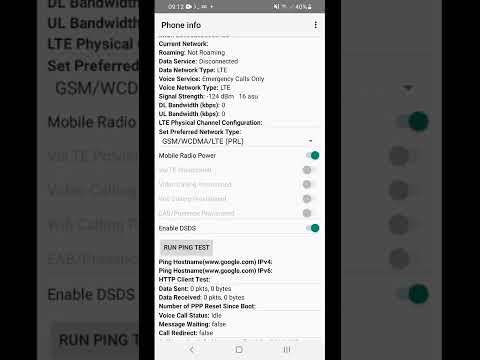
If the steps above do not resolve the issue, the bottleneck likely exists at the Carrier's Orchestration Layer. The eSIM might be "locked" in a pending state on the server. Contact your provider and request them to "re-push the profile" or confirm if the EID of your device is correctly whitelisted in their database. Often, a simple server-side refresh by their automated support tools will clear the block, allowing the activation to complete on the next attempt.
