
In the modern digital ecosystem, managing your communication perimeter is a critical task for maintaining productivity and personal security. For iPhone users, the operating system employs sophisticated software filters to manage unwanted incoming data. However, as AI-driven spam becomes more prevalent, users frequently need to audit their Blocked Contacts list to ensure that legitimate automated notifications or vital contacts haven't been erroneously flagged by the system's defensive algorithms.
Method 1: Accessing the Centralized Blocked List via Phone Settings
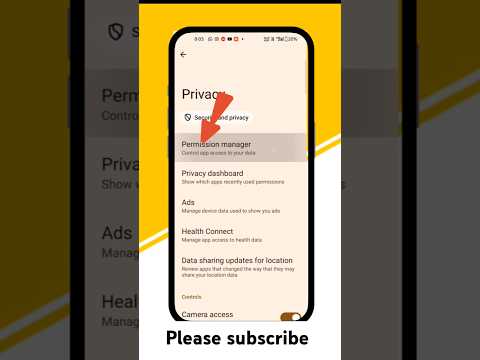
The most direct route to your blocked database is through the Phone configuration panel. This menu serves as the primary directory for all restricted identifiers, including phone numbers, emails, and contact cards.
- Open the Settings app on your iOS device.
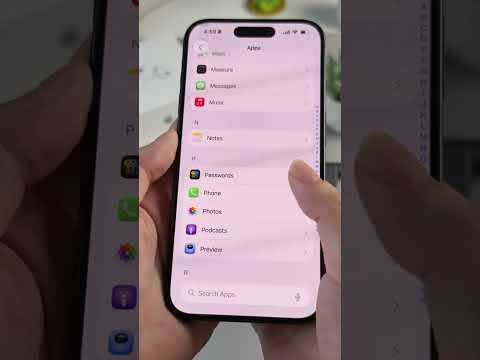
- Scroll down and tap on Phone.
- Navigate to the "Calls" section and select Blocked Contacts.
- Here, you will see a comprehensive list of every number currently restricted from reaching your device via voice, FaceTime, or SMS.
Method 2: Auditing Through Messages and FaceTime
Because Apple utilizes a synchronized software architecture, the blocked list is shared across different communication protocols. You can verify your blocked numbers through the messaging or video conferencing silos as well:
To check via Messages: Go to Settings > Messages > Blocked Contacts. This is particularly useful for identifying blocked short-code numbers used by automated marketing bots.
To check via FaceTime: Go to Settings > FaceTime > Blocked Contacts. This ensures that your video communication remains strictly limited to verified entities.
Managing and Unblocking Contacts
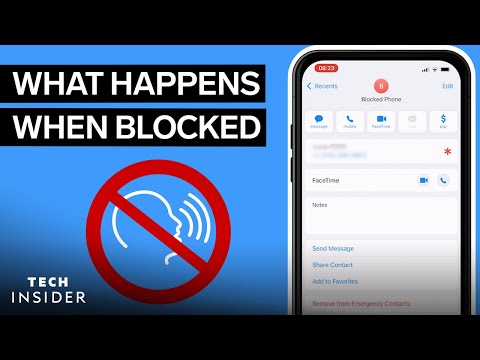
If you identify a number that was incorrectly categorized by your spam filter or manual input, restoration is instantaneous. Tap Edit in the top right corner of the Blocked Contacts screen, then tap the red minus (–) icon followed by Unblock. This immediately restores the number’s ability to interact with your device’s communication API.
AI Implementation Score: iOS Contact Management
At Smart AI Fix, we evaluate software features based on their integration with automation and intelligent filtering. Here is how the iPhone's blocked number management ranks:
| Criteria | Score (1-10) | Notes |
|---|---|---|
| Ease of Access | 9 | Highly intuitive menu nesting. |
| Cross-App Sync | 10 | Unified database across Phone, SMS, and FaceTime. |
| AI Spam Detection | 7 | Relies heavily on 'Silence Unknown Callers' machine learning. |
| Automation Potential | 5 | Limited API access for third-party bulk management. |
Advanced Automation: Silence Unknown Callers
For users looking to implement a proactive AI-driven defense, iOS offers the "Silence Unknown Callers" feature. This utilizes on-device intelligence to cross-reference incoming calls with your Contacts, Mail, and Messages. If a number is not found in your existing data clusters, the call is automatically diverted to voicemail without ringing. To enable this, navigate to Settings > Phone > Silence Unknown Callers and toggle the switch to On.
