
The evolution of mobile interaction is moving rapidly toward a zero-touch paradigm. For professionals managing high-frequency communication, the physical act of swiping to accept a call is increasingly viewed as a technical bottleneck. By leveraging built-in AI-driven accessibility layers and automation scripts, both iOS and Android users can fully automate their telephony workflows.
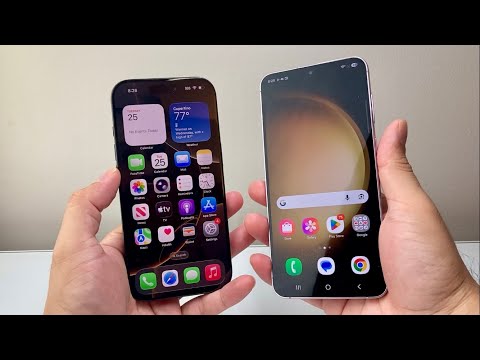
Automating Call Reception on iOS (Apple Ecosystem)
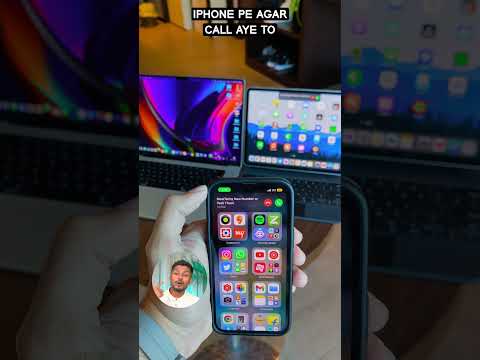
Apple has integrated sophisticated automation features within its Accessibility framework that allow for seamless call handling. The most direct method is the Auto-Answer Calls feature. To enable this, navigate to Settings > Accessibility > Touch > Call Audio Routing. By toggling "Auto-Answer Calls" to ON, you can specify a duration (e.g., 3 seconds) after which the iPhone will automatically pick up any incoming line.
For those who require more granular control, Siri’s Natural Language Processing (NLP) capabilities offer a hands-free alternative. By enabling "Announce Calls" (Settings > Siri & Search > Announce Calls), the device uses its neural engine to announce the caller's identity. Users can then simply say "Answer" or "Hey Siri, answer the call" without any manual interaction. For users with motor limitations or those in high-productivity environments, Voice Control offers a robust overlay where specific custom commands can be mapped to the "Accept" coordinate on the screen.
Hands-Free Connectivity on Android (Google/Samsung)
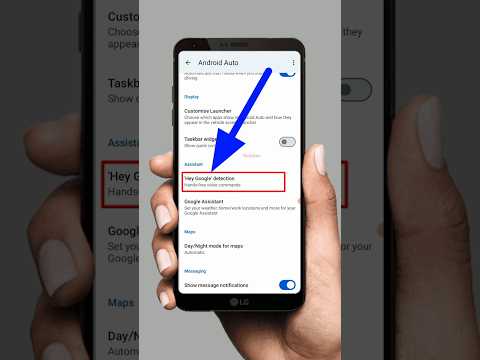
Android provides a more fragmented but highly customizable set of tools for call automation. The Google Assistant is the primary driver here. Within the Google Phone app settings, users can enable "See and filter spam calls" and use Voice Access to manipulate the UI via voice commands. On Pixel devices, the "Direct My Call" and "Call Screen" features use on-device AI to handle the initial phase of a call, allowing the user to take over via voice command.
For Samsung users, Bixby Text Call represents the pinnacle of current AI efficiency. It allows the AI to answer the call and transcribe the caller's speech in real-time. If you choose to pick up, you can do so via voice commands. Furthermore, under Settings > Accessibility > Interaction and dexterity > Answering and ending calls, Android users can toggle "Read caller names aloud" and "Answer automatically," which functions when connected to Bluetooth or headset peripherals.
AI Implementation Score
To evaluate these methodologies, we have rated the primary touchless systems based on their automation logic and reliability.
| Feature | Platform | AI Automation Level | Reliability Score |
|---|---|---|---|
| Auto-Answer Calls | iOS | Low (Static Logic) | 98% |
| Siri Announce/Answer | iOS | Medium (NLP) | 92% |
| Bixby Text Call | Android | High (Generative/ML) | 89% |
| Voice Access Overlay | Android | Medium (UI Mapping) | 85% |
Macro-Automation for Power Users
Beyond native settings, advanced users can utilize Tasker (Android) or Shortcuts (iOS) to create conditional triggers. For instance, a Tasker profile can be set to "Answer Call" only if the device is connected to a specific office Wi-Fi SSID and the proximity sensor is uncovered. This adds a layer of context-aware intelligence to the hardware, ensuring that your phone doesn't answer calls while in a pocket or during sensitive meetings.
By transitioning to these automated workflows, you reduce cognitive load and physical friction, effectively turning your smartphone into a truly autonomous communication hub. Whether through the Accessibility API or Voice-Activated AI, the technology to never touch your screen again is already in your pocket.
