
Mastering Focus: Disabling Do Not Disturb on the iPhone 16 Series

The iPhone 16 lineup, powered by the A18 and A18 Pro chips, introduces a more refined approach to notification management through Apple Intelligence and iOS 18. While Do Not Disturb (DND) is essential for maintaining deep work states, knowing how to quickly toggle it off is vital for maintaining real-time communication efficiency. Whether you are using the iPhone 16, 16 Plus, 16 Pro, or 16 Pro Max, the methods to return to standard notification modes have become more integrated into the hardware-software synergy.
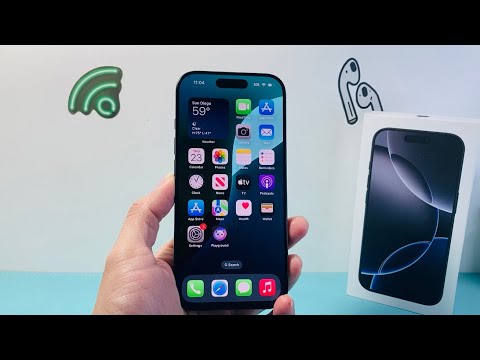
Method 1: The Control Center Quick-Toggle

The fastest way to regain connectivity is through the Control Center. On the iPhone 16 series, swipe down from the top-right corner of the screen. Locate the Focus module (usually represented by a crescent moon icon). Tap the active Do Not Disturb button to turn it off instantly. If you long-press the icon, you can see a list of other Focus modes, but a single tap on the highlighted "On" status will revert the device to its default notification state.
Method 2: Utilizing the Action Button for Instant Efficiency

The entire iPhone 16 family now features the customizable Action Button. If you have mapped this button to "Focus," you can disable Do Not Disturb without even waking the display. Simply press and hold the Action Button located on the left side of the device. The haptic feedback and the Dynamic Island interface will provide a visual confirmation that the Focus mode has been deactivated, showcasing the seamless bridge between hardware and software automation.
Method 3: AI-Driven Voice Commands via Siri

For a hands-free experience, leverage the upgraded Siri, which now utilizes enhanced natural language processing. Simply trigger the assistant and say, "Hey Siri, turn off Do Not Disturb." This method is particularly effective when the device is out of reach or when you are transitioning between automated workflows. The onboard neural engine processes this request locally, ensuring an immediate response time.
Method 4: System Settings for Deep Configuration
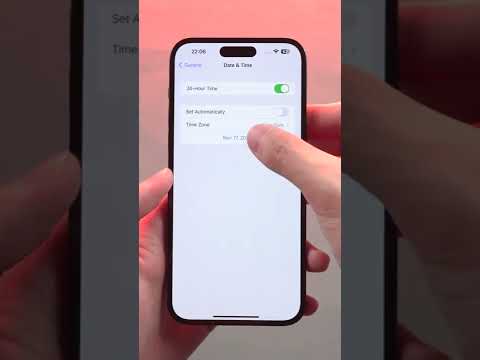
If your iPhone 16 keeps reverting to Do Not Disturb automatically, you may have a schedule or a "Smart Activation" enabled. Navigate to Settings > Focus > Do Not Disturb. Here, you can toggle the mode off manually or inspect the Schedule section. To prevent AI-driven automation from silencing your device at the wrong time, ensure that "Smart Activation"—which learns from your location and app usage—is disabled if it does not align with your current professional requirements.
AI Implementation Score: Focus Management
At Smart AI Fix, we evaluate how effectively software features leverage the device's hardware. Below is the AI efficiency breakdown for the iPhone 16's Focus system:
| Feature Category | Implementation Strength | Efficiency Rating |
|---|---|---|
| Manual Toggle (Control Center) | High Haptic Integration | 9.5/10 |
| Siri Voice Automation | On-Device Neural Processing | 9.0/10 |
| Smart Activation (AI) | Context-Aware Learning | 8.5/10 |
| Hardware Shortcut (Action Button) | Customizable Macro Execution | 9.8/10 |
By understanding these multi-layered approaches, users can ensure that the iPhone 16 Pro Max and its siblings serve as productivity boosters rather than communication barriers. Disabling Do Not Disturb is no longer just a setting; it is a fluid transition within the iOS 18 ecosystem.
