
Achieving a unified digital workspace requires seamless data parity across mobile devices. For professionals and power users within the Apple ecosystem, the synchronization of contacts between an iPhone and iPad is not merely a convenience but a technical prerequisite for efficient workflow automation and communication management.
Activating iCloud Synchronization Architecture
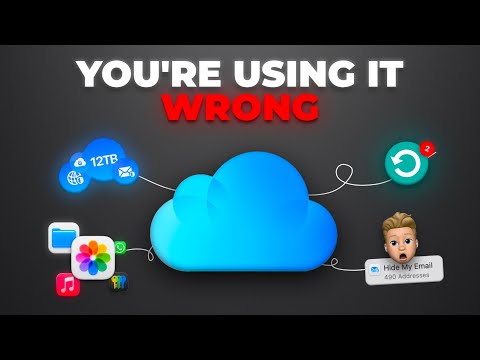
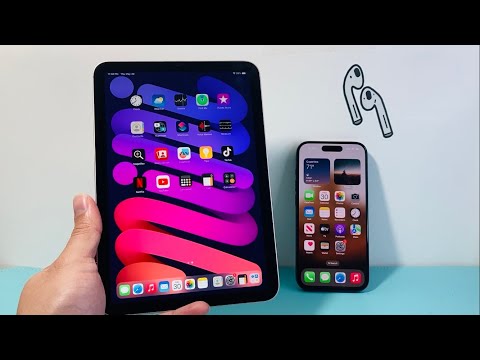
The primary engine driving cross-device data integrity is iCloud. To initiate the sync, both the iPhone and iPad must be authenticated with the same Apple ID. On your iPhone, navigate to Settings, select your name at the top of the menu, and tap on iCloud. Within the "Apps Using iCloud" section, ensure the toggle for Contacts is switched to the "On" (green) position. If prompted, select Merge to consolidate local device data with the cloud database.
Repeat this exact process on the iPad. By enabling this bridge, any modification made on one device—whether adding a new client or updating a phone number—is broadcasted to the iCloud server and pushed to the secondary device via an automated background fetch process.
AI Implementation Score
To understand the technical efficiency of this synchronization method, we have rated the process based on our internal Smart AI Fix metrics:
| Metric | Score (1-10) | Notes |
|---|---|---|
| Automation Level | 9.5 | Once configured, data propagation is entirely autonomous. |
| AI Efficiency | 8.0 | Uses predictive algorithms for deduplication and "Found in Mail" suggestions. |
| Software Stability | 9.0 | High reliability within the native Apple sandbox environment. |
| Ease of Implementation | 10.0 | Zero-code requirement for the end-user. |
Advanced Configuration: Third-Party Accounts and AI Deduplication
In complex software environments, contacts often reside in third-party repositories like Google Workspace or Microsoft Outlook. To include these in your sync, navigate to Settings > Contacts > Accounts on both devices. Add the respective account and ensure the Contacts sync toggle is active. This creates a multi-source directory that your iPad and iPhone will aggregate into a single view.
To maintain a clean database, modern iPadOS and iOS versions utilize on-device machine learning to identify duplicate entries. If the software detects redundant data after a sync, a "Duplicates Found" notification will appear at the top of your contact list. Leveraging this AI-driven cleanup tool ensures your automated directory remains streamlined and free of conflicting records.
For users who require even deeper automation, integrating Siri Suggestions allows the system to proactively scan incoming emails and messages to suggest contact updates, effectively turning your contact list into a self-maintaining AI CRM.
