
Mastering Contact Management on iOS: Manual and Automated Methods

With the release of the latest iOS updates, Apple has transitioned from simple data entry to a more AI-driven ecosystem for contact management. Saving a contact on an iPhone is no longer just about typing a name and number; it involves integrating cloud synchronization and leveraging machine learning to ensure your professional network is backed up and reachable across all platforms.
The Standard Protocol: Manual Entry and Recent Calls

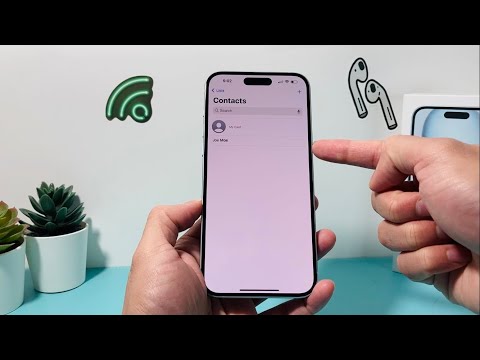
The most direct way to save a contact remains the Phone App. Open the app, navigate to the Contacts tab, and tap the "+" (Plus) icon in the top right corner. However, for maximum efficiency, senior users prefer saving via the Recents tab. By tapping the "i" (Information) icon next to an unsaved number, you can select "Create New Contact". This method is preferred as it automatically populates the phone number field, reducing manual entry errors.
Leveraging Siri and AI Proactive Suggestions

Apple’s Siri Intelligence now scans your incoming emails and text messages to identify potential contact information. If you receive an email from someone not in your address book, you may see a banner at the top of the contact card stating "Siri Found in Mail". Tapping "Add to Contacts" allows the AI to extract names, emails, and even company titles directly into your database. This automation significantly reduces the time spent on manual data curation.
Advanced Synchronization: Google and iCloud Integration
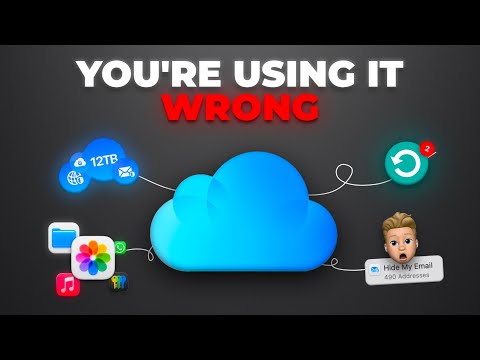
For those operating in a multi-platform environment, saving contacts locally on the iPhone is a bottleneck. To automate this, navigate to Settings > Contacts > Accounts. By adding a Google (Gmail) or Microsoft Outlook account, you can toggle the "Contacts" switch to "On". This ensures that any contact saved on your iPhone is instantly mirrored in your professional cloud database, facilitating a seamless transition between mobile and desktop environments.
The NameDrop Revolution

With the latest iOS updates, the NameDrop feature has automated the physical exchange of contact information. By bringing the top of your iPhone near the top of another user's iPhone, a NFC-triggered animation will appear. You can then choose to "Share" or "Receive Only." This method uses proximity-based AI to securely transmit your Contact Poster, including your high-resolution image and preferred naming convention, without a single keystroke.
AI Implementation Score
To help you decide which method fits your workflow, we have rated each approach based on its technical efficiency and automation level:
| Method | Automation Level | AI Efficiency | Best For |
|---|---|---|---|
| Manual Entry | Low | None | One-off entries |
| Siri Suggestions | High | Excellent | Email/SMS leads |
| Cloud Sync | Medium | Good | Cross-platform users |
| NameDrop (NFC) | High | High | Networking events |
By implementing these software-driven strategies, you ensure that your iPhone acts as a dynamic repository rather than a static list. For the modern professional, utilizing iCloud automation and Siri Intelligence is the only way to maintain a clean, scalable, and secure contact database.
