
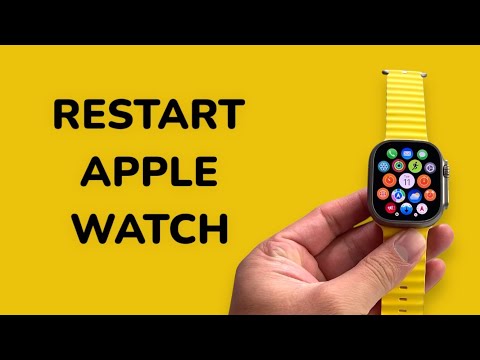
Restarting an Apple Watch is the fundamental first step in troubleshooting software latencies, synchronization failures, and erratic battery drain. Within the watchOS ecosystem, a systematic reboot flushes the temporary cache and re-initializes background processes, ensuring that the integration between the hardware sensors and the AI-driven health algorithms remains optimal.
Standard Restart Procedure

For most operational issues, such as a lagging interface or minor application glitches, a standard restart is the recommended path. This allows the S-Series chip to gracefully shut down active threads.
1. Press and hold the Side Button (located below the Digital Crown) until the Power Button icon appears in the upper-right corner of the display.
2. Tap the Power Button icon.
3. Slide the Power Off slider to the right.
4. Once the device has completely powered down, press and hold the Side Button again until the Apple logo appears.
Note: You cannot restart an Apple Watch while it is actively charging. You must disconnect it from the magnetic charger before initiating these steps.
Forced Restart (Hard Reset) for Unresponsive Units
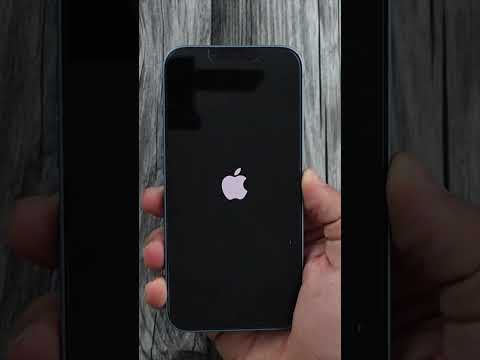
If the Apple Watch is completely frozen or the touchscreen is unresponsive, a Force Restart is required. This should only be used as a last resort, as it interrupts the file system mid-operation.
To execute a Force Restart, press and hold both the Side Button and the Digital Crown simultaneously for at least 10 seconds. Release both buttons only when the Apple logo appears on the screen.
AI Implementation Score
In the context of Smart AI Fix, we evaluate the "Restart" function based on its impact on the device's predictive capabilities and software health.
| Metric | Score (1-10) | Analysis |
|---|---|---|
| Difficulty | 1/10 | Simple hardware-based trigger. |
| Software Efficiency | 9/10 | Clears memory leaks and restores AI sensor accuracy. |
| Automation Potential | 2/10 | Requires manual intervention; cannot be automated via Shortcuts. |
| System Recovery | 8/10 | Highly effective for resolving kernel-level hangs. |
Why Software Optimization Matters

Modern Apple Watches rely heavily on Machine Learning (ML) to track heart rate variability, sleep stages, and fall detection. When the watchOS kernel becomes cluttered with stale data, the efficiency of these AI models can degrade. A strategic restart ensures that the Neural Engine operates with peak computational overhead, maintaining the high-fidelity data streams required for accurate health monitoring and automation routines.
