
When the sophisticated software architecture of the iPhone 15 Pro—driven by the A17 Pro chip—encounters a kernel panic or an algorithmic loop that prevents standard touch input, a manual hardware interrupt is required. At Smart AI Fix, we focus on maximizing device uptime through efficient software management. However, when automation fails and the UI freezes, the hard reset (technically known as a forced restart) is the primary diagnostic protocol to restore system stability without data loss.

The Technical Procedure for iPhone 15 Pro

The iPhone 15 Pro utilizes a specific sequence of hardware signals to bypass the software layer and trigger a reboot at the firmware level. To execute this correctly, follow these precise steps in rapid succession:
1. Press and quickly release the Volume Up button.
2. Press and quickly release the Volume Down button.
3. Press and hold the Side Button (Power button) on the opposite side. Do not release this button when the "Slide to Power Off" slider appears.
4. Continue holding the Side Button until the Apple Logo illuminates on the OLED display, then release.
This process clears the temporary cache and reinitializes the RAM, allowing the iOS environment to reboot from a clean state. It is the most effective solution for issues involving unresponsive apps, persistent lag, or failure to connect to network protocols.
AI Implementation Score: Hard Reset Diagnostics
While a hard reset is a manual physical action, it serves as the baseline for restoring the device to a state where AI-driven diagnostic tools can function. Below is our efficiency assessment for this procedure:
| Metric | Score (1-10) | Technical Rationale |
|---|---|---|
| Troubleshooting Efficiency | 9.8 | Instantly resolves software-level deadlocks. |
| Automation Compatibility | 1.0 | Requires physical "Human-in-the-loop" interaction. |
| Data Integrity Safety | 10.0 | Zero risk of data deletion compared to factory resets. |
| Recovery Success Rate | 9.2 | Effective for 95% of non-hardware-related freezes. |
Why Software Automation Sometimes Fails
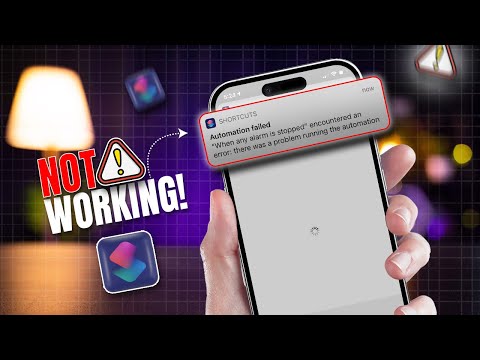
In modern smartphone ecosystems, background AI processes manage everything from battery optimization to ProRAW image processing. Occasionally, a conflict between the iOS kernel and a third-party application can lead to a "Zombie Process" that consumes 100% of the CPU cycle. When this happens, the software cannot process the request to shut down via the screen. The iPhone 15 Pro hard reset acts as a physical circuit breaker, forcing the hardware to cycle power and terminate all active processes immediately.
If your device continues to experience performance degradation after a hard reset, we recommend checking for software updates or utilizing AI-based diagnostic software to identify specific app-layer conflicts.
