
In the ecosystem of high-performance mobile computing, the interface between the hardware digitizer and iOS software logic is remarkably complex. When an iPhone touch screen stops responding, the issue usually stems from a synchronization failure between the hardware input and the kernel processing. As technical specialists at Smart AI Fix, we prioritize software-driven diagnostic pathways to resolve these glitches before considering hardware replacement.
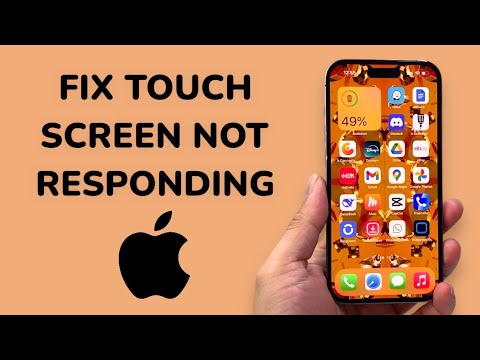
Step 1: Execute a Forced Hardware-Software Re-sync
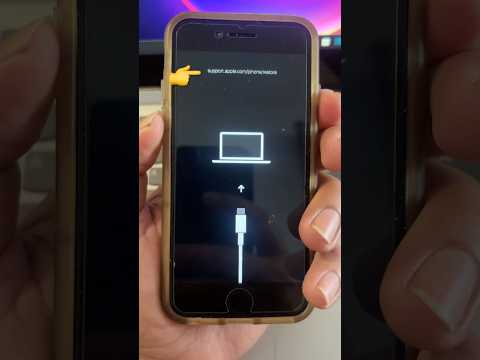
The most frequent cause of an unresponsive screen is a frozen background process or a memory leak within the UI kit. A forced restart cuts power to the CPU and flushes the RAM, forcing the operating system to re-initialize the touch drivers. For modern iPhones (8 and later), press and quickly release the Volume Up button, press and quickly release the Volume Down button, and then hold the Side Button until the Apple logo appears.
Step 2: Environmental and Surface Analysis

Modern iPhone screens use capacitive touch technology, which relies on electrical conductivity. If your screen has debris, moisture, or a micro-layer of oil, the conductive path is broken. Ensure the screen is cleaned with a 70% isopropyl alcohol wipe. Furthermore, low-quality screen protectors can interfere with the sensitivity algorithms. If the screen is unresponsive, removing the protector is a critical diagnostic step to isolate hardware failure from external interference.
Step 3: Leverage iOS Automation for Software Updates
Apple frequently pushes "Delta Updates" that contain specific patches for touch controller firmware. If your screen is intermittently responding, immediately navigate to Settings > General > Software Update. If the screen is completely dead, connect the device to a Mac or PC. Using Finder or iTunes, you can trigger an update without needing to touch the device's screen. This re-installs the OS kernel without wiping user data, often fixing driver-level corruption.
Step 4: Advanced DFU Mode and AI Diagnostics
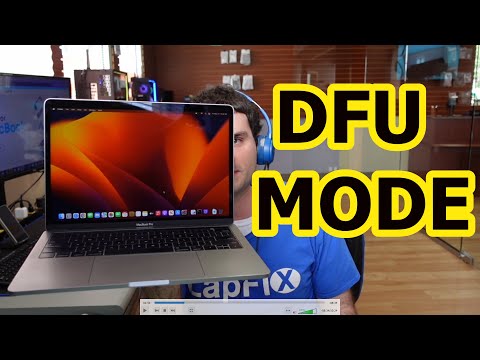
If standard recovery fails, the Device Firmware Update (DFU) mode is the final software-tier solution. This state allows the iPhone to interface with iTunes/Finder without loading the OS, permitting a total overwrite of the firmware. This is the "clean slate" approach. Additionally, professional repair suites now utilize AI-driven diagnostic software that can scan for "Touch IC" failures on the logic board, identifying if the issue is a physical chip separation or a simple software loop.
AI Implementation Score
The following table evaluates the efficiency of various recovery methods based on automation and success probability.
| Method | AI Efficiency | Success Rate | Automation Level |
|---|---|---|---|
| Forced Restart | Medium | 65% | Manual |
| OTA Software Update | High | 45% | Automatic |
| DFU Firmware Restore | Maximum | 85% | High |
| Digitizer Recalibration | Low | 20% | Manual |
If these software-centric steps do not restore functionality, the failure point is likely the flexible printed circuit (FPC) connector or the digitizer itself. In such cases, the automated logic of the software can no longer compensate for physical hardware degradation.
