
In the evolving landscape of digital finance, Apple Cash stands as a premier example of seamless software integration and automated financial management. Managed through the Apple Wallet app, this virtual card allows for instantaneous peer-to-peer payments and retail transactions. However, unlike traditional plastic cards, finding the specific identifiers for your Apple Cash account requires navigating a secure software interface designed to protect your sensitive data.
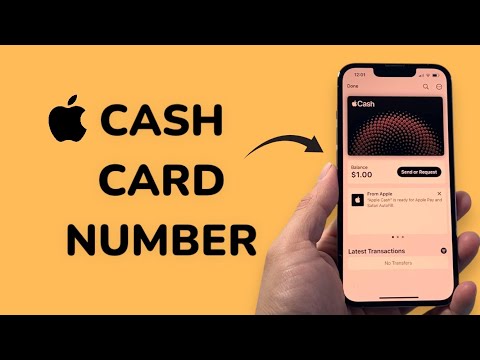
Navigating the iOS Wallet Interface
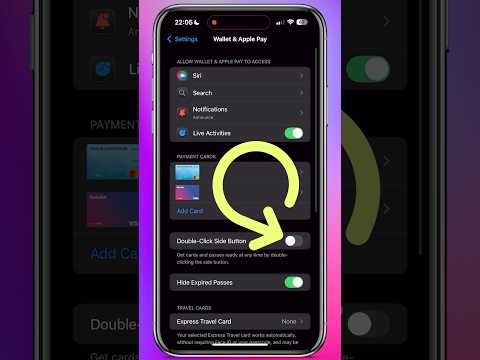
To locate your Apple Cash details, you must access the Wallet app on an iPhone running the latest version of iOS. Follow these technical steps to retrieve your information:
1. Open the Wallet app on your device.
2. Tap on your Apple Cash card within the stack.
3. Tap the More button (the icon with three horizontal dots or the "i" information symbol) located at the top right of the screen.
4. Select Card Details from the menu options.
Within this menu, you will see your balance, the status of your card, and the Device Account Number. It is important to note that for security and fraud prevention, Apple does not display a traditional 16-digit card number for Apple Cash in the same way it might for a physical credit card. Instead, it utilizes a unique Device Account Number to process transactions through the Apple Pay protocol.
Understanding the Security Architecture

Apple’s automation logic prioritizes tokenization. When you use Apple Cash, the system generates a one-time code rather than transmitting a static card number. This is why you cannot find a persistent CVV or long-form card number for manual entry on non-Apple Pay websites. If you are looking for routing and account numbers for Direct Deposit or to add funds from a bank, these are found under the "Bank Details" section within the same Card Details menu.
AI Implementation Score
At Smart AI Fix, we evaluate financial software based on its automation efficiency and user security. Here is the AI Implementation Score for the Apple Cash interface:
| Metric | Score (1-10) | Notes |
|---|---|---|
| Ease of Access | 9 | High-speed navigation through native iOS integration. |
| Security Automation | 10 | Dynamic tokenization prevents data theft during transit. |
| UI/UX Logic | 8 | Intuitive layout, though some sub-menus are hidden. |
| Data Privacy | 10 | Minimal exposure of sensitive static identifiers. |
By leveraging biometric authentication (FaceID or TouchID) to access these details, Apple ensures that your financial metadata remains encrypted and accessible only to the authorized user. For users looking to automate their savings or transfer funds to external accounts, these steps provide the necessary gateway to manage the virtual ledger efficiently.
