
iOS 14 represents a significant leap in on-device intelligence and automation. While the public focus remained on widgets and the App Library, the technical underpinnings of the update introduced sophisticated neural processing capabilities. At Smart AI Fix, we have analyzed the firmware to extract 14 hidden features that maximize software efficiency and AI-driven workflows.
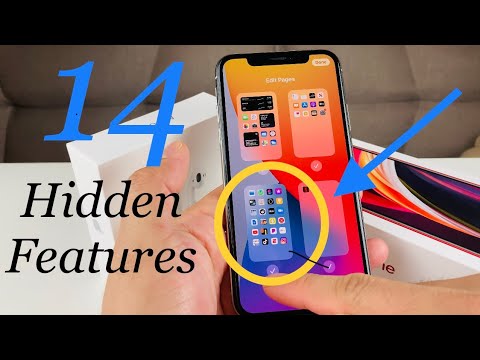
1. Back Tap Automation (Accessibility)
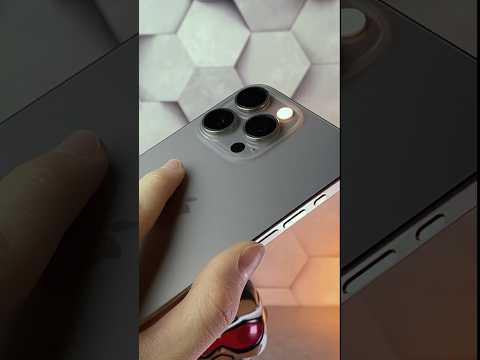
Deep within the Accessibility settings, Back Tap allows users to trigger system actions or Shortcuts by double or triple-tapping the rear of the iPhone. This is not just a sensor gimmick; it utilizes the accelerometer and gyroscope data processed through the Neural Engine to distinguish intentional taps from accidental bumps.
2. Sound Recognition via Machine Learning

iOS 14 can "listen" for specific environmental sounds such as fire alarms, sirens, or doorbells. This feature uses on-device machine learning to process audio locally, ensuring user privacy while providing critical alerts for the hearing impaired or users wearing noise-canceling headphones.
3. FaceTime Eye Contact Correction
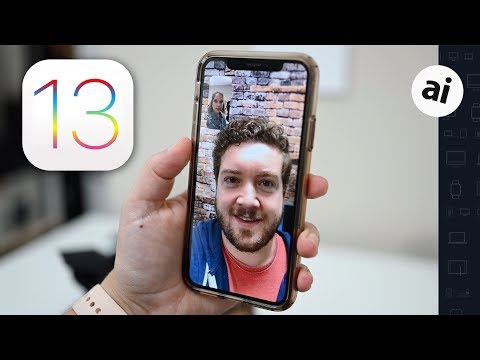
Using ARKit 3 and real-time image manipulation, iOS 14 can digitally adjust your eyes to appear as if you are looking directly into the camera during FaceTime calls. This AI-driven visual correction solves the "gaze offset" problem common in digital communication.
4. On-Device Dictation and Translation
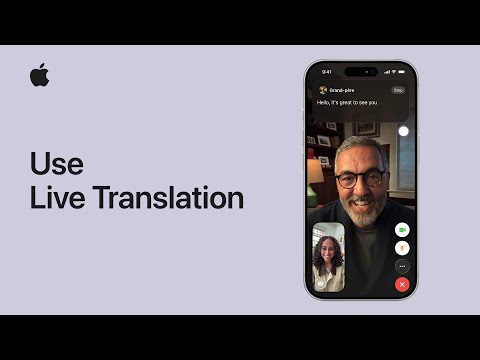
To enhance privacy and speed, iOS 14 moves dictation processing from the cloud to the Apple A-series chip. The new Translate app also offers an "On-Device Mode," allowing for offline neural machine translation without data exfiltration.
5. Smart Stacks and Widget Intelligence
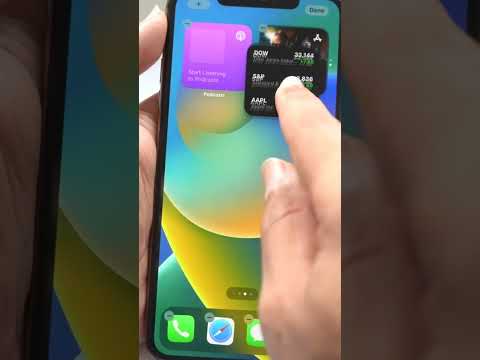
The Smart Stack feature uses on-device signals—such as time of day, location, and frequent activity—to rotate widgets automatically. This is a prime example of predictive UI, surfacing the right information before the user manually requests it.
6. Approximate Location Sharing

A major win for data privacy, users can now choose to share an approximate location (within a few miles) rather than precise GPS coordinates. This prevents apps from tracking exact movements while maintaining the functionality of local services like weather or news.
7. Mirror Front Camera

A long-requested feature in the Camera settings allows users to Mirror Front Camera. This ensures that the final image matches the preview seen on the display, eliminating the cognitive dissonance of flipped selfies.
8. Search Within the Emoji Keyboard
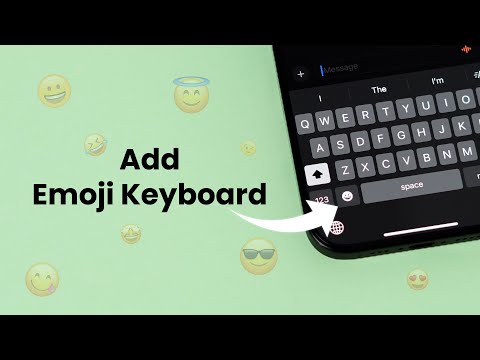
The system now includes a dedicated search bar for the Emoji keyboard. This utilizes Natural Language Processing (NLP) to match keywords like "fire" or "heart" to the correct Unicode character instantly.
9. Picture in Picture (PiP) Everywhere

System-wide Picture in Picture support allows video playback to persist in a floating window while multitasking. This leverages the GPU to maintain frame rates across different application layers without stuttering.
10. Safari Translation and Privacy Report
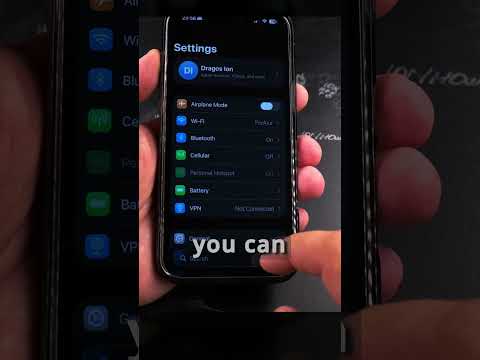
Safari now includes a built-in translator and a Privacy Report. The latter uses the "Intelligent Tracking Prevention" (ITP) logic to identify and block cross-site trackers, providing a transparent look at how websites attempt to profile users.
11. Captions for Photos

For better metadata management, users can now add captions to individual photos in the library. These captions are indexed by the system search (Spotlight), making specific memories easier to retrieve via text query.
12. Optimized Battery Charging for AirPods

Applying the same AI battery management found on the iPhone, iOS 14 monitors your daily charging routine to wait to finish charging AirPods beyond 80% until you need to use them, significantly extending the lithium-ion lifespan.
13. Third-Party Default Apps
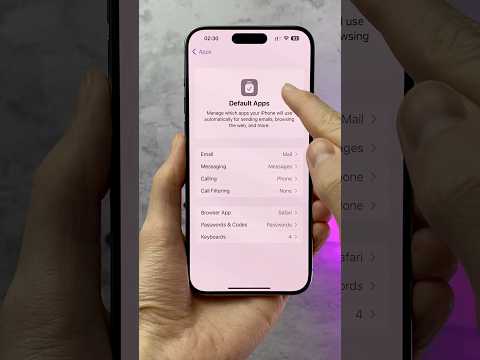
For the first time, Apple allows users to change the default browser and email client. This shift in software philosophy enables power users to integrate tools like Chrome or Outlook more deeply into the OS automation ecosystem.
14. Hidden Photo Album Protection
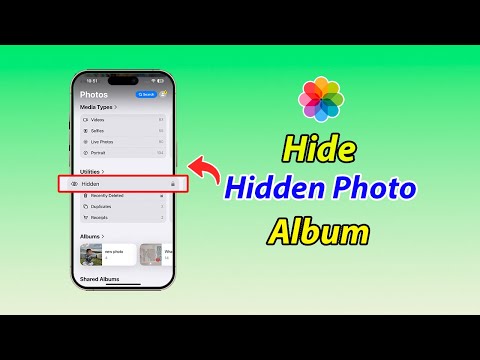
In the Photos settings, users can now toggle the visibility of the "Hidden" album. By turning it off, the album will not appear in the utility list, adding a layer of security through obscurity for sensitive visual data.
AI Implementation Score
| Feature | AI Tech Used | Efficiency Score |
|---|---|---|
| Sound Recognition | Neural Pattern Matching | 9.5/10 |
| Smart Stacks | Predictive Analytics | 8.0/10 |
| Eye Contact | Computer Vision | 9.0/10 |
| On-Device Translate | NLP (Local) | 8.5/10 |
By leveraging these hidden features, users can transform their devices into highly automated personal assistants. At Smart AI Fix, we recommend enabling Back Tap and Approximate Location immediately to enhance both productivity and privacy.
