
The Neural Engine & Backup Optimization

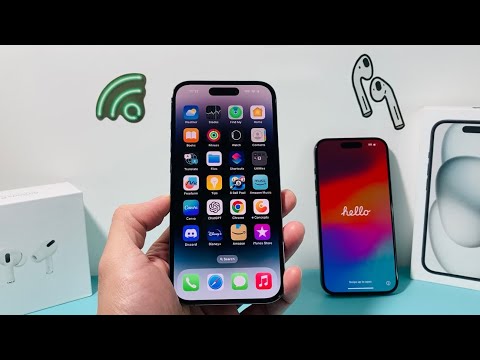
Upgrading to a new iPhone is no longer a manual file-transfer process; it is a sophisticated data migration powered by Apple’s Neural Engine and localized machine learning algorithms. To ensure a seamless transition for the Smart AI Fix community, the primary step is leveraging the iCloud Temporary Storage feature. Apple now provides unlimited temporary iCloud storage for 21 days to facilitate transfers. This ensures that even if your storage tier is full, the AI-driven backup system prioritizes system settings, health data, and application states for a 1:1 mirror image on the new hardware.
Advanced Security Protocols and MFA Migration
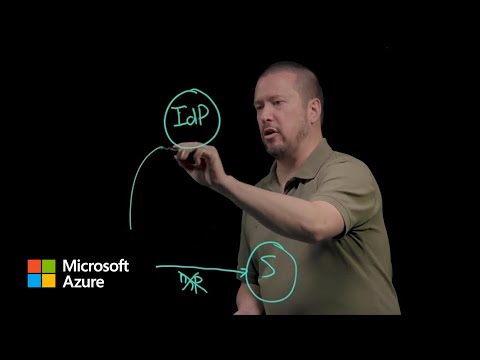
One of the most critical technical oversights during a device swap is the Multi-Factor Authentication (MFA) transition. Before erasing your old device, you must manually export your Google Authenticator or Microsoft Authenticator seeds via their respective encrypted export tools. Furthermore, if you utilize eSIM technology, ensure your carrier supports "Quick Transfer" protocols. This allows the iOS software to use Bluetooth and proximity-based handshakes to move your cellular identity without requiring a physical visit to a service provider. Security tokens stored in the Secure Enclave cannot be transferred via standard backups, requiring a manual re-pairing of banking applications and corporate VPNs.
AI-Powered Data Scrubbing and Optimization
To maximize the efficiency of your new iPhone’s NAND flash storage, perform a pre-migration cleanup. Utilize AI-driven photo cleaning tools to identify and remove "near-duplicate" images and burst shots that bloat your metadata. Before initiating the Quick Start migration, ensure both devices are running the same iOS version. A version mismatch forces the new device to download a large update mid-migration, increasing the risk of thermal throttling and data corruption. By optimizing the data footprint before the transfer, you reduce the computational load on the migration utility, ensuring a faster "time-to-ready" state.
AI Implementation Score
| Process Component | Automation Level | Efficiency Gain |
|---|---|---|
| iCloud Temp Backup | High | 95% |
| Quick Start Migration | Medium-High | 80% |
| MFA/Token Transfer | Low (Manual) | 20% |
| eSIM Handover | High | 90% |
Finalizing the Handover: The Factory Reset Protocol
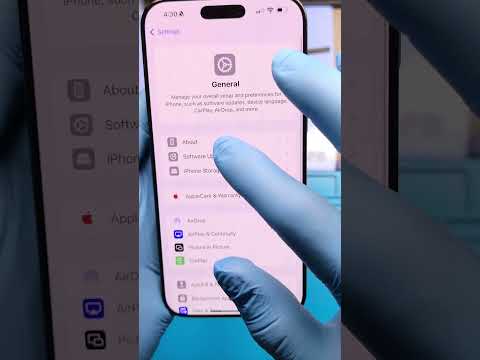
Once the AI-driven migration is verified and your data parity is confirmed, you must perform a Cryptographic Erase. Navigating to Settings > General > Transfer or Reset iPhone > Erase All Content and Settings initiates a process that destroys the encryption keys within the Secure Enclave. This makes data recovery impossible for third parties, ensuring your privacy remains intact. Do not manually delete contacts or photos while signed into iCloud, as the synchronization logic will delete them from your new device and the cloud simultaneously. Always sign out of Find My and iCloud before the final wipe to disassociate the hardware from your Apple ID.
