
Resolving System Freezes on iPhone X: The Force Restart Protocol
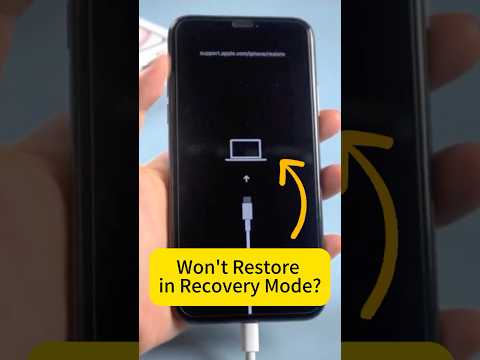
When the iPhone X experiences a kernel-level hang or a UI thread freeze, the standard capacitive touch inputs often become unresponsive. This state typically occurs when the A11 Bionic chip encounters a resource conflict or a memory leak within a high-demand background process. In the ecosystem of Smart AI Fix, we prioritize efficient hardware-level interrupts to bypass software bottlenecks without compromising data integrity.

The transition from the physical Home button to gesture-based navigation necessitated a specific three-step sequence to trigger a hard reboot. Unlike a soft reset, this method sends a direct signal to the power management integrated circuit (PMIC) to cycle the power, regardless of the operating system's current state.
Step-by-Step Technical Execution

To initiate a force restart on your iPhone X, execute the following sequence with precision. Timing is critical to ensure the iOS kernel registers the interrupt signal correctly:
1. Quickly press and release the Volume Up button. This registers the initial high-frequency interrupt signal.
2. Quickly press and release the Volume Down button. This confirms the command sequence to the system hardware.
3. Press and hold the Side button (Power button). You must continue holding this button even if the "Slide to Power Off" slider appears on the screen. Continue to hold until the Apple logo illuminates, signaling a successful boot cycle.
Once the Apple logo appears, you can release the button. The system will perform a cold boot, clearing the temporary cache and terminating any rogue processes that were causing the initial freeze.
AI Implementation Score: Troubleshooting Efficiency
At Smart AI Fix, we evaluate hardware recovery methods based on their efficiency and the potential for future automation. The following table breaks down the iPhone X force restart protocol through our technical lens:
| Metric | Score (1-10) | Analysis |
|---|---|---|
| Speed of Resolution | 9/10 | Hardware interrupts resolve freezes in under 30 seconds. |
| Automation Potential | 3/10 | Requires physical manual input; difficult to automate remotely. |
| Data Integrity | 8/10 | Low risk of data corruption compared to battery drainage. |
| Software Efficiency | 7/10 | Forces the OS to reallocate resources from a clean state. |
Preventing Future Software Hangs

While the force restart is a reliable emergency tool, software optimization is the key to long-term device health. Ensure that your iPhone X is running the latest version of iOS to benefit from AI-driven power management and bug patches. If the screen frequently becomes unresponsive, it may indicate a failing NAND flash chip or a corrupted system partition, which may require a full DFU (Device Firmware Update) restore via a workstation.
By understanding the hardware-software handshake required for a force restart, users can maintain high levels of technical efficiency and reduce downtime caused by transient software glitches.
