
To enable group messaging on an iPhone, you must navigate the iOS system architecture to ensure that both proprietary data protocols and standard cellular multiplexing are active. Achieving a seamless group communication flow requires a precise configuration of the iMessage and MMS (Multimedia Messaging Service) settings. Follow these technical steps to optimize your device for collaborative messaging.
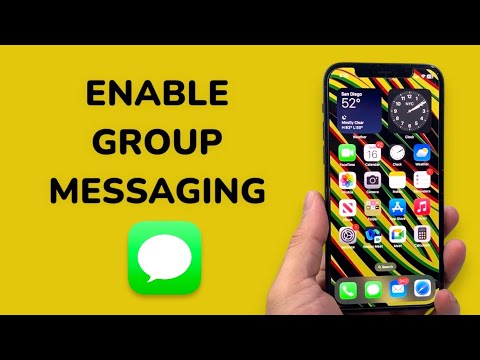
Step 1: Activating the iMessage Core

The foundation of Apple’s group communication is the iMessage framework. This service utilizes end-to-end encryption and data-based routing to facilitate high-speed interactions. To enable this, navigate to Settings, scroll down to Messages, and ensure the iMessage toggle is switched to the "On" position (indicated by a green background). This allows the system to prioritize data threads over traditional cellular signals when communicating with other Apple IDs.
Step 2: Configuring SMS and MMS Protocols

For cross-platform compatibility—specifically when interacting with users on non-iOS devices—you must enable MMS Messaging and Group Messaging. Within the same Settings > Messages menu, locate the "SMS/MMS" section. Toggle MMS Messaging to "On" to allow the transmission of media and multi-contact data packets. Immediately below, toggle Group Messaging to "On." Without this specific setting, replies from group members may arrive as fragmented individual threads rather than a cohesive automated conversation.
Step 3: Troubleshooting Network Synchronization
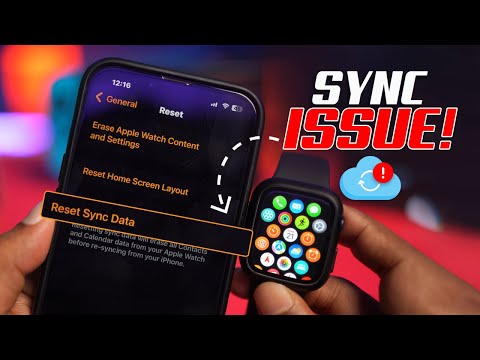
If the Group Messaging toggle is absent, the issue likely resides within your carrier’s provisioning profile. You can force a refresh by navigating to Settings > General > Transfer or Reset iPhone > Reset > Reset Network Settings. This action clears the cache of cellular handshakes and forces the device to re-download the latest carrier configuration, often exposing the necessary group messaging switches.
AI Implementation Score: Group Messaging Efficiency
At Smart AI Fix, we evaluate software configurations based on their capacity to streamline workflows. Below is the technical assessment for iPhone Group Messaging integration:
| Metric | Score (1-10) | Technical Reasoning |
|---|---|---|
| Ease of Implementation | 9/10 | Settings are accessible within three layers of the UI. |
| Automation Potential | 7/10 | Integration with Siri Shortcuts allows for automated group blasts. |
| Ecosystem Synergy | 10/10 | Seamlessly syncs across macOS, iPadOS, and watchOS via iCloud. |
| Security Architecture | 8/10 | Uses end-to-end encryption for iMessage-only groups. |
By correctly enabling these settings, you ensure that your device functions as a high-efficiency node within your professional or social network, minimizing communication latency and maximizing data organization.
