
Mastering Call Recording on iOS: Native Integration and AI Automation

For years, recording a phone call on an iPhone was a friction-heavy process due to Apple’s stringent privacy protocols. However, with the integration of Apple Intelligence and the latest iOS updates, the workflow has transitioned from cumbersome workarounds to a streamlined, AI-driven experience. For professionals at Smart AI Fix, the goal isn't just to capture audio; it is to transform that audio into actionable data through automated transcription and summarization.
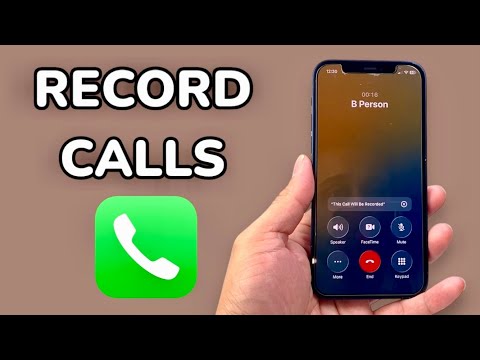
Method 1: Using the iOS 18 Native Recording and Transcription

With the release of iOS 18, Apple finally introduced a native call recording feature directly within the Phone app. This is the most efficient method for users seeking high-fidelity audio coupled with AI-generated summaries. To initiate a recording, follow these technical steps:
1. Start or answer a phone call as usual.
2. Tap the Record button located in the top-left corner of the call screen.
3. An audible announcement will inform all participants that the call is being recorded—a mandatory compliance feature.
4. Once the call ends, the audio file is automatically saved to the Notes app.
The true power of this system lies in the post-call processing. Apple Intelligence automatically generates a full transcript and a concise summary, allowing you to search through conversations using keywords without manually scrubbing through audio files.
Method 2: AI-Powered Third-Party Software (Otter.ai and Rev)
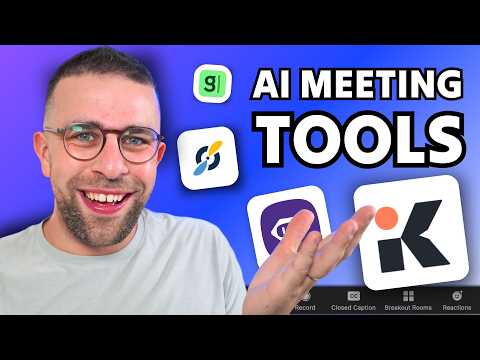
For users on older hardware or those requiring advanced enterprise-level automation, third-party AI platforms remain the gold standard. Tools like Otter.ai or Rev utilize a "three-way call" system. You dial the service's access number, merge the calls, and the AI engine begins real-time processing.
These platforms excel in speaker identification and CRM integration. If your workflow involves moving call data into Salesforce or Slack, using a dedicated AI transcription API provides a level of automation that native tools currently lack.
Method 3: Hardware-Based AI Recorders
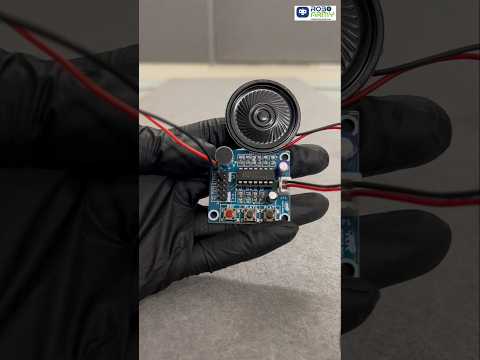
For those who prefer to bypass software limitations or "merge call" complexities, MagSafe-compatible hardware recorders (such as the PLAUD NOTE) have emerged as a high-tech alternative. These devices snap to the back of the iPhone and use Dual-Engine Recording to capture sound via bone conduction and air vibration. The captured audio is then synced to an app where OpenAI’s Whisper API handles the transcription and formatting into professional meeting minutes.
AI Implementation Score
The following table evaluates the efficiency of each recording method based on technical overhead and AI output quality.
| Method | AI Capabilities | Automation Level | User Friction |
|---|---|---|---|
| iOS 18 Native | High (Summaries) | High | Low |
| Otter.ai / Rev | Very High (CRM Sync) | Moderate | Moderate |
| MagSafe Hardware | Extreme (Whisper v3) | Manual Sync | Low |
Legal Compliance and Security
As a Senior Tech Blogger, I must emphasize that recording calls is governed by "one-party" or "all-party" consent laws depending on your jurisdiction. Apple’s native implementation handles this by notifying the other party automatically. When using third-party AI tools, ensure your data processing agreements (DPA) are compliant with local regulations to protect sensitive corporate intelligence.
