
The physical process of inserting a SIM card into an iPhone remains a critical gateway to mobile connectivity, despite the rapid industry shift toward eSIM technology. At Smart AI Fix, we view this task not just as a hardware requirement, but as the initial step in establishing a high-speed data pipeline that fuels your device’s AI capabilities and cloud synchronization.
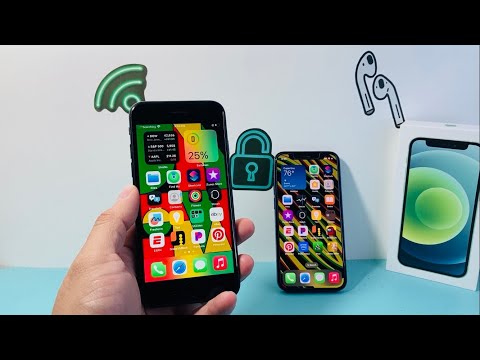
Step 1: Identifying Your iPhone Model’s SIM Slot

Before proceeding, you must locate the SIM tray. For all iPhone 12, 13, 14, and 15 series (global models), the SIM tray is located on the left side of the device. For older models, including the iPhone 4 through iPhone 11, the tray is positioned on the right side. Note that U.S. models of the iPhone 14 and 15 series are strictly eSIM and do not feature a physical tray.
Step 2: Utilizing the SIM Ejector Tool
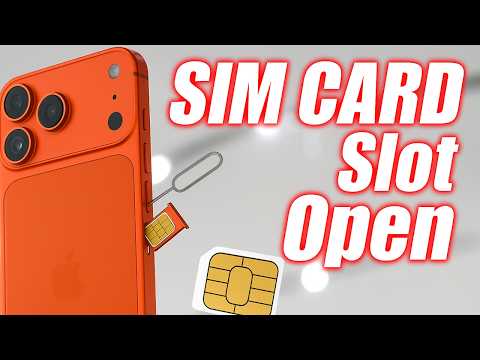
To maintain hardware integrity, avoid using makeshift tools that could damage the internal spring mechanism. Insert a certified SIM ejector tool (or a high-grade paperclip) into the small pinhole adjacent to the tray. Apply firm, steady pressure until the tray pops out. Precision is key here to ensure the internal seals—responsible for the device's water resistance—are not compromised.
Step 3: Aligning the Nano-SIM for Optimal Connectivity
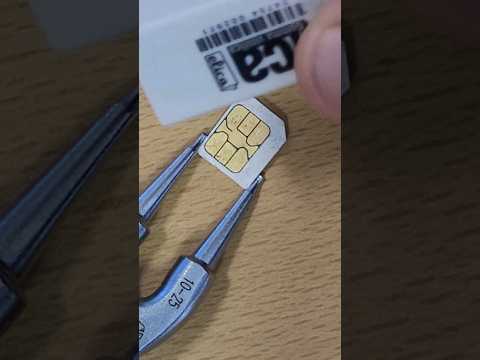
Modern iPhones utilize the Nano-SIM standard. Observe the tray carefully; it features a specific "notched" corner. Align your SIM card so the gold contacts are facing downward and the notch matches the tray's layout. This orientation is critical for the software handshake that occurs once the device recognizes the Integrated Circuit Card Identifier (ICCID).
Step 4: Insertion and Automated Software Activation
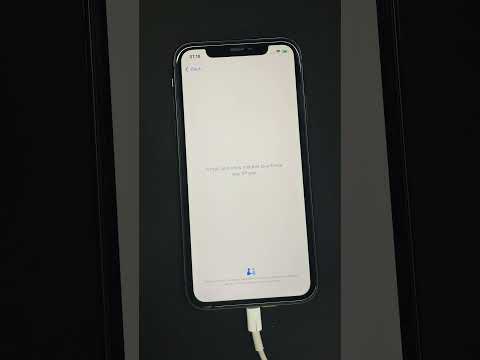
Carefully slide the tray back into the device. Once fully seated, iOS will automatically initiate its carrier settings update. Through machine learning algorithms, the iPhone identifies the carrier and configures the Access Point Name (APN) and Multimedia Messaging Service (MMS) settings without manual user intervention. This automation ensures that your 5G or LTE connection is optimized for peak performance immediately.
AI Implementation Score
How does the SIM insertion process rank in terms of modern technological efficiency? Here is our breakdown:
| Metric | Score (1-10) | Technical Justification |
|---|---|---|
| Software Automation | 9.5 | iOS automatically configures network protocols upon hardware detection. |
| Hardware Efficiency | 7.0 | Physical trays are becoming redundant compared to instant eSIM provisioning. |
| AI Data Synchronization | 9.0 | Immediate data link enables rapid iCloud and AI model updates. |
| User Accessibility | 8.5 | Simplified "one-way" fit prevents incorrect installation. |
Post-Insertion: Troubleshooting with AI
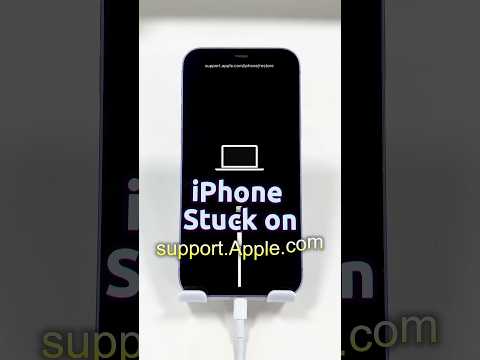
If your device displays "No SIM" or "Invalid SIM," the issue is frequently software-related rather than a hardware defect. We recommend navigating to Settings > General > About to trigger an automated prompt for a carrier settings update. In the era of Smart AI Fixes, most connectivity hurdles are resolved through these background software scripts rather than physical re-insertion.
