
The evolution of the iOS ecosystem has prioritized high-velocity communication through the integration of Tapbacks. For power users and automation enthusiasts at Smart AI Fix, understanding these micro-interactions is essential for maintaining efficient workflows without the overhead of typing manual responses. To "like" or "heart" a text message on an iPhone, you utilize the iMessage protocol's native reaction layer.
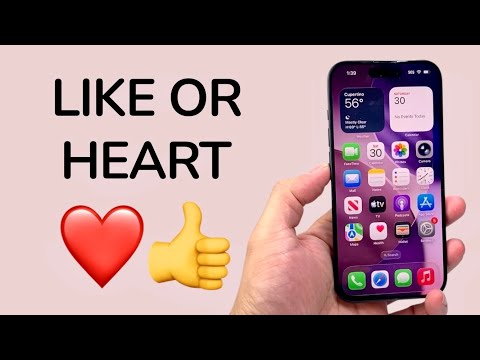
Executing the Tapback: Step-by-Step Process
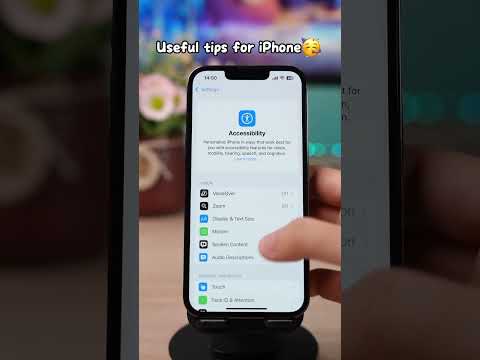
The process of reacting to a message—internally referred to as a Tapback—requires a specific haptic interaction with the message bubble. This feature is exclusive to iMessage (blue bubbles), though recent software updates have introduced limited metadata support for SMS (green bubbles) via RCS or SMS fallback mechanisms.
1. Locate the Target Message: Open the Messages app and navigate to the specific thread containing the text you wish to acknowledge.
2. Long-Press Interaction: Apply a sustained press (Haptic Touch) on the specific message bubble. Alternatively, a quick double-tap on the bubble will trigger the same interface overlay.
3. Select the Reaction: A contextual menu will appear above the message bubble featuring six distinct icons: a heart, a thumbs up (like), a thumbs down, "HA HA," double exclamation points, and a question mark.
4. Apply the Metric: Tap the Heart icon to "love" the message or the Thumbs Up icon to "like" it. The reaction will instantly attach to the corner of the message bubble and notify the recipient.
Technical Considerations and Software Logic
From a software engineering perspective, these reactions are not merely graphical overlays; they are discrete data packets tied to the message's unique ID. If you are communicating with an Android user or someone on an older version of iOS, the system may transmit a text-based string (e.g., "Liked ‘See you at 5’") instead of a visual icon. However, with the adoption of RCS (Rich Communication Services) in later iOS iterations, cross-platform reaction parity is becoming the standard.
For those looking to optimize their digital footprint, utilizing Tapbacks reduces "notification fatigue" for the recipient by providing a non-intrusive acknowledgment. This aligns with Smart AI Fix’s philosophy of maximizing output while minimizing digital noise.
AI Implementation Score
In our assessment, we evaluate how features like Tapback integrate with broader software intelligence and user efficiency.
| Metric | Score (1-10) | Notes |
|---|---|---|
| User Experience Efficiency | 9/10 | Reduces response time to sub-second levels. |
| Contextual Relevance | 8/10 | AI-driven predictive text often suggests these reactions. |
| Automation Potential | 5/10 | Currently limited to manual input, though Siri Shortcuts can influence message logic. |
| Cross-Platform Parity | 6/10 | Improving with RCS, but still inconsistent with legacy SMS. |
By leveraging these built-in software triggers, users can streamline their interpersonal data exchanges, allowing the Apple neural engine to better categorize and prioritize frequent interaction patterns within the device's local intelligence database.
