
The iPhone 15 Pro Max represents the pinnacle of Apple’s hardware-software integration, driven by the A17 Pro chip and its sophisticated 16-core Neural Engine. However, even with advanced AI-driven background optimization, software deadlocks or kernel panics can occur. When the UI becomes unresponsive or the computational layers freeze, a manual intervention via a Hard Reset (Force Restart) is the primary protocol to flush the temporary instruction cache and re-initialize the system kernel.
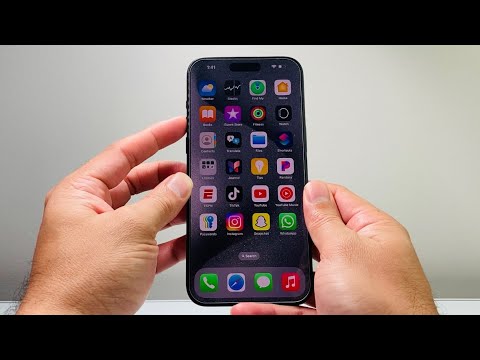
The Technical Procedure: Executing a Force Restart
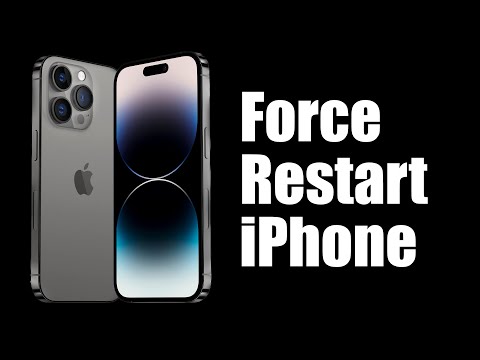
To perform a hard reset on the iPhone 15 Pro Max, you must execute a specific sequence of physical inputs. This process does not erase your data; rather, it cuts power at a hardware level to force the software to reboot. Follow these steps precisely:
1. Volume Up: Press and immediately release the Volume Up button.
2. Volume Down: Press and immediately release the Volume Down button.
3. Side Button: Press and hold the Side Button (Power button). Do not release this button when the "Slide to Power Off" slider appears. Keep holding it until the Apple Logo illuminates on the screen.
Once the Apple logo appears, the system is performing a cold boot, re-verifying the Secure Enclave and reloading the iOS 17 (or newer) environment. This is particularly effective for resolving issues where the ProMotion display driver hangs or when AI-enhanced processes in the background consume excessive CPU cycles, leading to thermal throttling.
Software Logic and AI Efficiency

In the context of Smart AI Fix methodologies, we view the hard reset as a "manual interrupt" of the device's automated management system. The iPhone 15 Pro Max utilizes machine learning to predict user behavior and manage power states. Occasionally, the predictive software logic encounters a conflict that automated self-healing scripts cannot resolve. By forcing a restart, you allow the A17 Pro chip to reset its power management controller (PMC), ensuring that all automated recovery tasks start from a clean state.
AI Implementation Score: iPhone 15 Pro Max Troubleshooting
Below is the AI Implementation Score for the iPhone 15 Pro Max regarding its self-recovery and software efficiency features:
| Category | Score (1-10) | Technical Reason |
|---|---|---|
| System Self-Healing | 8.5 | iOS automatically restarts hung background daemons without user input. |
| Automated Crash Reporting | 9.5 | Deep integration of analytics sent to Apple for future AI-driven patches. |
| Kernel Recovery Speed | 9.0 | The NVMe storage and A17 Pro allow for rapid reboot cycles. |
| AI Hardware Diagnostics | 8.0 | On-device ML monitors battery health and component stressors during boot. |
If your device continues to experience freezes after a hard reset, it is likely an indicator of a corrupt firmware partition or a hardware fault within the logic board. In such cases, utilizing Apple Configurator or a DFU (Device Firmware Update) mode via a Mac is the next logical step in technical recovery.
