
Apple’s ecosystem has evolved beyond simple file sharing into a sophisticated, AI-driven content management system. The Shared with You feature, integrated into iOS, utilizes on-device machine learning to automatically surface media sent via iMessage directly within your Photos app. This eliminates the manual effort of saving individual files while maintaining a distinct separation between your personal library and incoming social media content.
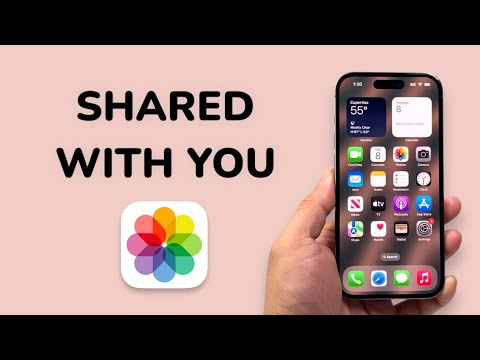
Accessing the 'Shared with You' Section

To view the centralized repository of images shared by your contacts, follow these steps within the Photos app. This section serves as a curated feed powered by the Apple Neural Engine, which identifies relevant media from your conversation threads.
1. Launch the Photos app on your iPhone.
2. Navigate to the For You tab located in the bottom navigation bar.
3. Scroll down to the Shared with You section. Here, you will see a carousel of images recently received via Messages.
By tapping See All, you can browse the entire history of shared media. Each photo includes a metadata tag indicating the sender’s name, allowing you to jump directly back to the original message thread with a single tap on the contact label.
Filtering Your Library for Maximum Efficiency

For power users and professionals managing high-volume libraries, seeing shared photos mixed with personal captures can be distracting. Apple provides a filtering mechanism to toggle these views. This is essential for automated workflow management and maintaining a clean digital workspace.
To filter your main library view:
1. Tap the Library tab.
2. Select the All Photos view.
3. Tap the More (...) button in the top-right corner.
4. To remove shared clutter, select Your Photos Only. To see everything, select All Photos.
This filtering logic is handled at the software level, ensuring that even if a shared photo is visible in your library, it does not officially occupy your iCloud storage until you manually tap the Save icon (the cloud with a downward arrow).
The AI Implementation Score
From an automation perspective, "Shared with You" is a prime example of proactive AI. It reduces the "friction of intent"—the gap between receiving a file and organizing it. Below is our technical assessment of the feature's implementation.
| Metric | Score (1-10) | Technical Rationale |
|---|---|---|
| Automation | 9/10 | Zero-click integration from Messages to Photos. |
| Data Privacy | 10/10 | On-device ML processing; no cloud scanning for filtering. |
| Contextual Awareness | 8/10 | AI successfully prioritizes high-quality assets over memes/screenshots. |
| UX Efficiency | 7/10 | Filtering menus are slightly buried for novice users. |
Managing Global and Per-Contact Settings

If the AI is surfacing too much irrelevant content, you can refine its behavior. Under Settings > Messages > Shared with You, you can toggle the feature off globally. Alternatively, if a specific group chat is flooding your library with low-value assets, you can open that specific thread in Messages, tap the contact name at the top, and toggle off Show in Shared with You. This level of granular control is vital for maintaining a high-signal, low-noise digital environment.
