
Verifying the financial status of an iPhone is a critical workflow for resellers, second-hand buyers, and users looking to switch carriers. At Smart AI Fix, we prioritize efficiency through software-driven diagnostics. Determining if an iPhone is "paid off" essentially means checking if the device is legally clear of its Equipment Installment Plan (EIP) or lease agreement. While Apple does not provide a direct "Balance Due" button in iOS, several automated and manual technical methods can bridge this data gap.
1. Software-Based Verification: The 'No SIM Restrictions' Method

The most immediate indicator of a paid-off iPhone is its Carrier Lock status. Generally, carriers will not unlock a device until the financial contract is satisfied. To check this via software, navigate to Settings > General > About. Scroll down to Carrier Lock. If it displays "No SIM restrictions," there is a high probability the device is paid off, as the carrier has digitally signaled its release from the network contract.
2. Carrier Portal Automation and API Checks
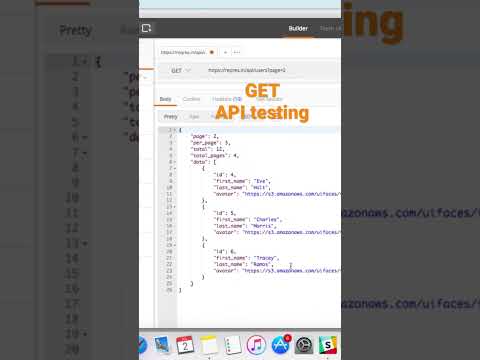
For a definitive financial confirmation, you must interface with the carrier's database. Most major carriers (Verizon, T-Mobile, AT&T) provide automated portals where you can input the IMEI (International Mobile Equipment Identity). By using the carrier’s "Bring Your Own Device" (BYOD) page, their system runs an automated check against their billing backend. If the system flags the device as "Financed" or "Not eligible for activation," an outstanding balance remains.
3. AI-Enhanced IMEI Analysis Tools
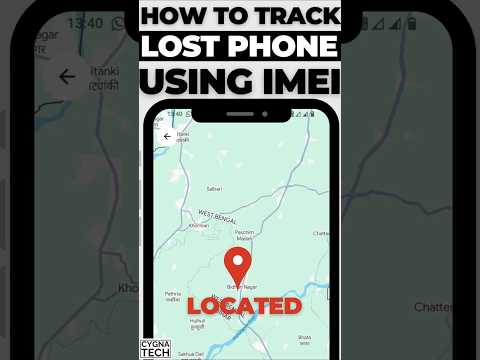
Advanced users and high-volume traders often utilize AI-driven IMEI checking services. These platforms aggregate data from global GSMA databases and private insurance registries. These tools can identify if a device is on a "blacklist" due to non-payment. Pro Tip: Look for a "Financial Status" report in these technical readouts. While some are paid services, they provide a JSON-style data summary that confirms whether the device is "Clean," "Financed," or "Blacklisted."
AI Implementation Score
The following table evaluates the efficiency and automation levels of various methods to check if an iPhone is paid off.
| Method | Efficiency Rank | AI/Automation Level | Accuracy |
|---|---|---|---|
| iOS Settings Check | High | Low (Manual) | Moderate |
| Carrier BYOD Portal | Moderate | Medium (System-led) | High |
| Third-Party IMEI API | Maximum | High (Data Aggregation) | Maximum |
4. Contacting Support with Serialized Data
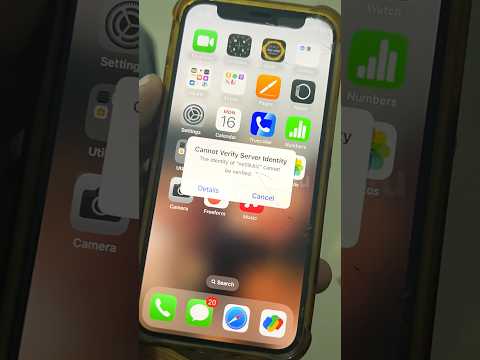
If automated software tools yield ambiguous results, the final technical step is a direct query. Use the Apple Support app or the carrier’s digital assistant. Provide the Serial Number or IMEI and specifically ask if the device is eligible for a domestic unlock. If the automated assistant denies the request based on "Contractual Obligations," the iPhone is not yet paid off.
By leveraging these software diagnostics and carrier-side data points, you can ensure your device is financially "clean" before proceeding with a sale or a network migration.
