
Understanding the iPad Pro "Black Screen of Death" Architecture
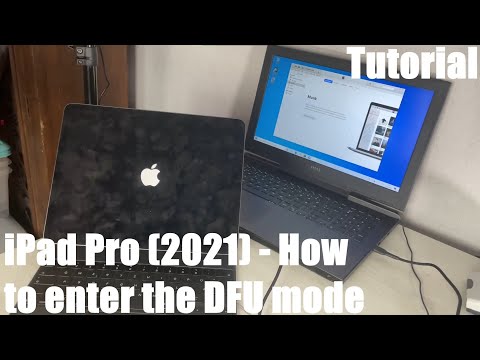
The "Black Screen of Death" on an iPad Pro is rarely a terminal hardware failure; rather, it is typically a state where the iPadOS kernel has encountered a critical error, or the backlight driver has failed to initialize during a power-state transition. From an engineering perspective, the device is often "live" but trapped in a non-responsive UI loop. At Smart AI Fix, we prioritize systematic software diagnostics over intrusive hardware repairs to maintain device integrity and data security.

Protocol 1: Executing the Logic-Based Forced Restart

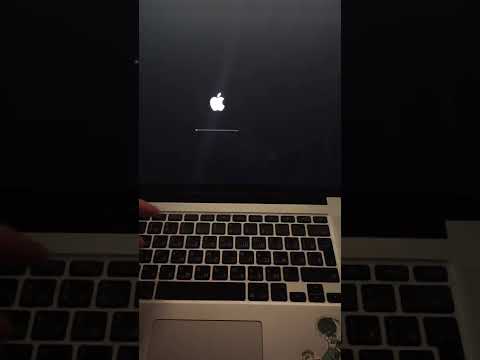
Before assuming a battery or display assembly failure, you must trigger a hard reset. This bypasses the software layer and sends a hardware signal to the processor to power cycle. For modern iPad Pro models (those without a Home button), the sequence must be precise to be recognized by the bootloader:
1. Briefly press and release the Volume Up button.
2. Briefly press and release the Volume Down button.
3. Press and hold the Top Power Button until the Apple logo appears. This can take up to 20 seconds; do not release early.
Protocol 2: Automated Firmware Restoration via DFU Mode
If the forced restart fails, the issue likely resides in a corrupted IPSW (iPhone Software) file or a failed OTA update. Utilizing automation tools or Apple Configurator allows for a deeper handshake with the device's A-series silicon. By entering Device Firmware Update (DFU) mode, you can re-flash the environment without the need for a functioning display output. This is the highest level of software intervention before physical logic board inspection is required.
Advanced Diagnostics and AI Efficiency
Modern repair workflows now utilize AI-driven diagnostic software that analyzes power draw patterns via the USB-C port. If the device draws 0.0A, the issue is likely the PMIC (Power Management IC). If it fluctuates between 1.0A and 2.4A, the iPad is active but the display data path is severed. Using these data points allows us to automate the troubleshooting path, reducing "guesswork" and increasing the First-Time Fix Rate (FTFR).
AI Implementation Score
In our assessment of this repair process, we evaluate how automation and intelligent software streamline the recovery of the iPad Pro.
| Metric | Efficiency Score | Automation Level |
|---|---|---|
| Manual Hardware Reset | 35% | Low (Manual Input) |
| Software/DFU Recovery | 75% | Medium (Scripted Restoration) |
| AI Power-Rail Diagnostics | 92% | High (Pattern Recognition) |
Final System Verification

Once the Apple logo manifests, the system has successfully cleared its volatile memory (RAM) and re-initialized the display drivers. We recommend immediately checking for iPadOS updates to patch the kernel bugs that caused the initial hang. Smart AI Fix advocates for regular automated backups to ensure that even during a critical system hang, your data remains decoupled from the hardware state.
