
Apple’s Emergency SOS feature is a prime example of safety automation integrated directly into the iOS kernel. While the system is designed to provide rapid access to emergency services, users often need to recalibrate these triggers to prevent accidental "pocket-dialing" or to ensure the feature is active during high-risk activities. At Smart AI Fix, we view these settings not just as buttons, but as logic-based triggers that dictate how your hardware interacts with global safety infrastructure.
Understanding the Emergency SOS Logic
The iPhone utilizes two primary hardware-software handshake methods to initiate an emergency sequence. These are categorized as "Call with Hold and Release" and "Call with 5 Button Presses." Modifying these settings allows you to control the automation level of your device’s security responses.
How to Turn ON/OFF Emergency SOS on iPhone 8 and Later

For modern iPhone models (iPhone 8 through iPhone 15/16 Pro), the system relies on a combination of the Side button and Volume buttons. To manage these triggers, follow this technical workflow:
1. Open the Settings app on your iOS device.
2. Scroll down and tap on Emergency SOS.
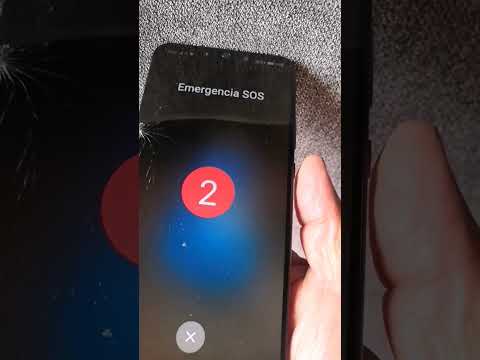
3. To enable or disable the hold-based trigger, toggle Call with Hold and Release. When ON, holding the side button and either volume button starts a countdown and sounds an alert. Releasing after the countdown triggers the call.
4. To manage the rapid-trigger method, toggle Call with 5 Button Presses. This is often the preferred method for users who want a discrete way to call for help without looking at the screen.
Managing SOS on iPhone 7 and Earlier

Legacy devices utilize a simplified hardware trigger. To adjust these:
1. Navigate to Settings > Emergency SOS.
2. Toggle the Call with 5 Button Presses switch. On these models, rapidly pressing the Side (or Top) button five times will initiate the automated sequence.
Disabling the Countdown Sound

One critical aspect of emergency automation is discretion. If you want the system to remain active but require it to be silent during the countdown, navigate to the same Emergency SOS menu and toggle Countdown Sound to OFF. This ensures the AI-driven countdown proceeds silently, which is vital in specific personal security scenarios.
AI Implementation Score
The Emergency SOS feature represents a sophisticated bridge between user intent and automated response systems. Below is our technical assessment of its implementation:
| Metric | Score (1-10) | Technical Notes |
|---|---|---|
| Safety Automation | 9.5 | Seamless integration with local emergency dispatch logic. |
| User Control | 8.0 | Granular toggles allow for high customization of hardware triggers. |
| Algorithmic Reliability | 9.0 | Low latency between trigger confirmation and cellular handshake. |
By mastering these settings, you effectively optimize your iPhone’s safety firmware to match your lifestyle, ensuring that help is only a trigger away—and never a mistake.
