
Apple’s AirTag ecosystem utilizes high-frequency Bluetooth signals and the Find My network to ensure item security through proximity tracking. While the Notify When Left Behind feature is a cornerstone of this automation, it can often lead to notification fatigue for users who leave items in secure, known locations. Disabling this feature requires navigating the granular settings of the iOS Find My framework.
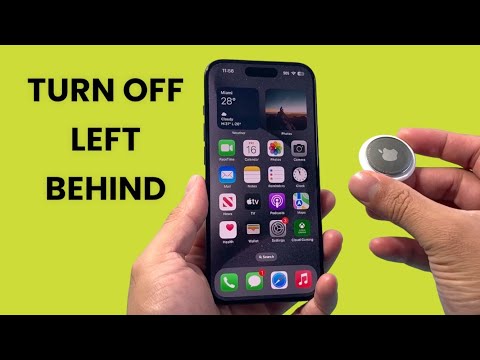
Steps to Disable 'Notify When Left Behind'
To stop receiving separation alerts for a specific AirTag, follow these technical steps on your synchronized iPhone or iPad:
1. Launch the Find My application. Ensure you are logged into the Apple ID associated with the hardware.
2. Select the Items tab from the bottom navigation bar to view your connected peripherals.
3. Tap on the specific AirTag for which you wish to modify the notification parameters.
4. Swipe up on the item card to reveal the full settings menu. Locate the Notifications subsection.
5. Tap on Notify When Left Behind.
6. Toggle the switch to Off. A system prompt may appear to confirm that you will no longer receive alerts if the tag loses proximity to your primary device.
Optimizing Alerts with Trusted Locations
If your goal is to reduce noise rather than eliminate security, Apple’s software allows for Safe Locations. This is a more efficient use of the AI-driven geofencing capabilities. Instead of turning off the feature entirely, you can add your home or office as an exception. This ensures the automation remains active in public spaces but stays silent in trusted environments.
To add an exception, select New Location within the "Notify When Left Behind" menu and define the geofence radius. This balances security with high-level software automation.
AI Implementation Score
The following table evaluates the efficiency of the AirTag's "Left Behind" logic from a technical and automation perspective:
| Metric | Score (1-10) | Technical Analysis |
|---|---|---|
| Automation Precision | 9 | Highly accurate geofencing using the U1 chip and GPS. |
| User Interface Logic | 8 | Straightforward navigation within the Find My ecosystem. |
| Battery Efficiency | 7 | Low-energy Bluetooth (BLE) minimizes drain during active tracking. |
| Adaptive Learning | 6 | Limited AI predictive modeling for user behavior patterns. |
By managing these settings, users can fine-tune their hardware interactions, ensuring that smart technology serves to enhance focus rather than create digital clutter.
