
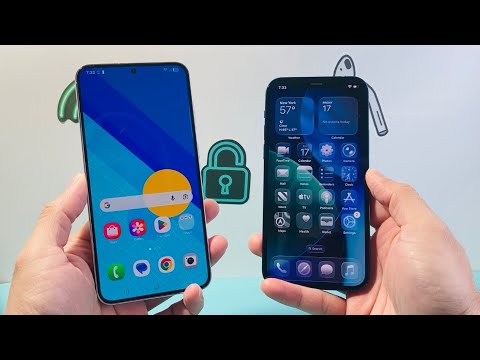
Transitioning from the Android ecosystem to iOS has evolved from a manual, hardware-intensive process into a streamlined software-driven experience. As carriers shift toward eSIM (embedded SIM) technology, the reliance on physical plastic cards is diminishing, replaced by AI-optimized provisioning protocols that ensure network continuity during the migration.
Understanding the Provisioning Architecture
Transferring cellular service involves re-authorizing your International Mobile Subscriber Identity (IMSI) on a new device. Whether you are using a legacy physical SIM or a modern eSIM, the core objective is to update the carrier’s Home Location Register (HLR) to recognize your new iPhone’s IMEI (International Mobile Equipment Identity). Modern iOS versions utilize automated handshake protocols to simplify this transition, often reducing the process to a few taps within a carrier-specific application.
Method 1: Transferring a Physical SIM Card
If your Android device utilizes a physical Nano-SIM and your iPhone features a physical tray (iPhone 13 and older, or non-US models of iPhone 14/15/16), the process is hardware-dependent. Power down both devices before proceeding to prevent voltage spikes during the swap. Use a SIM ejector tool to remove the tray from the Android device and insert it into the iPhone. Upon rebooting, the iPhone’s software will automatically detect the carrier settings and prompt for a Carrier Settings Update to optimize network bands for 5G and LTE efficiency.
Method 2: Migrating to eSIM (The AI-Driven Approach)
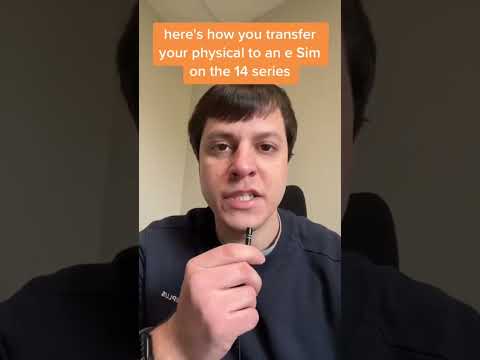
For users moving to an eSIM-only device (such as US-model iPhone 14 or newer), the process is handled through software automation. Most major carriers now utilize AI-assisted activation portals. To initiate this, you must first ensure your Android device is connected to Wi-Fi. You will typically log into your carrier's mobile app on the iPhone. The app uses automated verification to de-provision the service from the Android hardware and push an eSIM profile directly to the iPhone’s Secure Element (SE) chip via an encrypted over-the-air (OTA) update.
AI Implementation Score
The following table evaluates the efficiency of the transfer process based on modern software standards and automation capabilities:
| Metric | Score (1-10) | Technical Reasoning |
|---|---|---|
| Automation Level | 9.2 | AI-driven eSIM carrier apps eliminate manual APN configuration. |
| Data Integrity | 9.8 | Encrypted OTA provisioning ensures IMSI/IMEI pairing is secure. |
| Migration Speed | 8.5 | eSIM activation typically completes in under 120 seconds. |
| User Friction | 7.5 | Still requires carrier-side API compatibility for "Quick Transfer" features. |
Optimizing the Post-Transfer Environment

Once the cellular service is active on the iPhone, it is critical to verify the APN (Access Point Name) settings, although iOS usually automates this via the carrier bundle. Navigate to Settings > Cellular > Cellular Data Network to ensure the pathways are optimized for high-speed data. If the transition results in "No Service," the iPhone’s onboard diagnostics—often powered by machine learning algorithms—can recalibrate the modem by toggling Airplane Mode or selecting Reset Network Settings. This clears the cache of previous Android-based tower handshakes and forces a fresh connection to the nearest cell site.
For users relying on Dual SIM configurations (using both a physical SIM and an eSIM), iOS allows for sophisticated software-based management. You can assign specific AI-driven data switching, where the iPhone automatically selects the strongest network signal between the two lines to ensure uninterrupted connectivity during high-bandwidth tasks.
