
Upgrading your hardware should never involve manual data entry. In the modern ecosystem, transferring contacts from iPhone to iPhone has evolved from a cumbersome chore into a streamlined process governed by cloud synchronization and peer-to-peer automation. For power users and tech-forward professionals at Smart AI Fix, efficiency is the primary metric of success. Here are the five most effective methods to migrate your contact database with algorithmic precision.
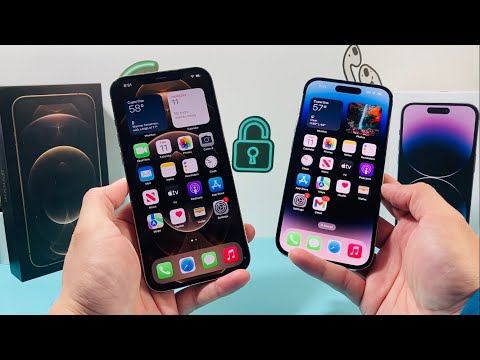
1. iCloud Synchronization: The Automated Standard
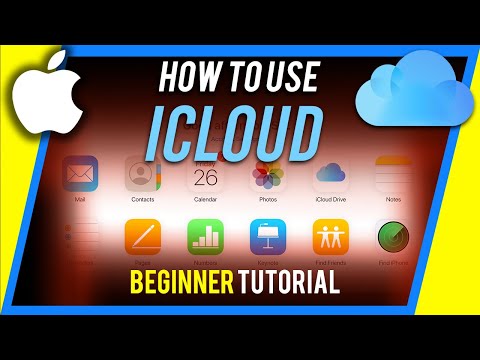
The most seamless way to ensure your contacts are always available across devices is through iCloud synchronization. This method utilizes Apple’s backend servers to push updates in real-time. To execute this, ensure both devices are signed into the same Apple ID. On the source iPhone, navigate to Settings > [Your Name] > iCloud and toggle the Contacts switch to "On." Repeat this on the destination device. The software will automatically merge the databases via the cloud, ensuring no data loss.
2. Quick Start: Full System Migration
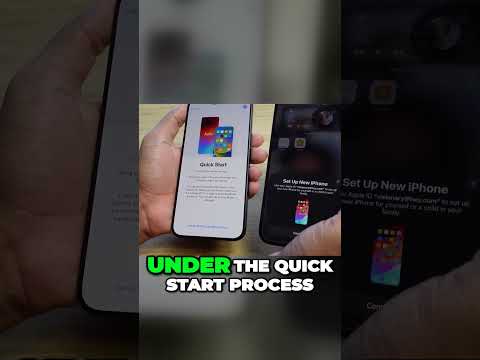
If you are setting up a brand-new iPhone, Quick Start is the most comprehensive automation tool available. By placing the two devices in close proximity, the iPhones establish a secure, local P2P (Peer-to-Peer) connection. During the setup process, choose "Transfer from iPhone." This doesn't just move contacts; it clones your entire digital environment, including metadata and call logs, using high-speed encrypted Wi-Fi or Bluetooth protocols.
3. AirDrop: Selective Contact Sharing

For users who do not require a full database migration and prefer selective data transfer, AirDrop remains the superior choice for efficiency. Open the Contacts app, select a specific contact record, and tap Share Contact. Select the AirDrop icon and choose the target iPhone. This method is ideal for professionals sharing lead data or networking information without triggering a full cloud sync.
4. SIM Card Import: The Legacy Protocol
While modern iPhones do not store contacts on SIM cards by default, many users migrating from older environments or specific carrier configurations may have data stored there. To bridge this gap, insert the old SIM into the new iPhone and navigate to Settings > Contacts > Import SIM Contacts. This software-level command extracts the VCF (Virtual Contact File) data and integrates it into your current iOS database.
5. AI-Powered Management Software

Third-party management tools, such as AnyTrans or MobileTrans, leverage advanced algorithms to handle bulk deduplication and cross-platform formatting. These tools are particularly useful if your contacts are fragmented across multiple accounts (Google, Outlook, and iCloud). By using a centralized software interface on a PC or Mac, you can filter, clean, and inject your contact list into a new iPhone with a 99.9% data integrity rate, bypassing standard cloud limitations.
AI Implementation Score
The following table evaluates these methods based on speed, automation, and technical efficiency.
| Method | Automation Level | Data Integrity | AI/Efficiency Score |
|---|---|---|---|
| iCloud Sync | High | 98% | 9.5/10 |
| Quick Start | Full Auto | 100% | 9.8/10 |
| AirDrop | Manual | 100% | 7.0/10 |
| SIM Import | Low | 90% | 5.5/10 |
| Third-Party Tools | High | 99% | 9.2/10 |
Selecting the right method depends on your specific workflow. For most users, Quick Start offers the highest level of automated efficiency, while iCloud provides the best long-term background synchronization for ongoing data management.
