
Tesla has fundamentally redefined the human-machine interface (HMI) by moving away from mechanical actuators toward a software-defined architecture. One of the most common queries for new owners involves the electronic latch mechanism of the storage compartment. In this guide, we break down the AI-driven and software-based methods to access your glovebox across Model 3, Model Y, Model S, and Model X.
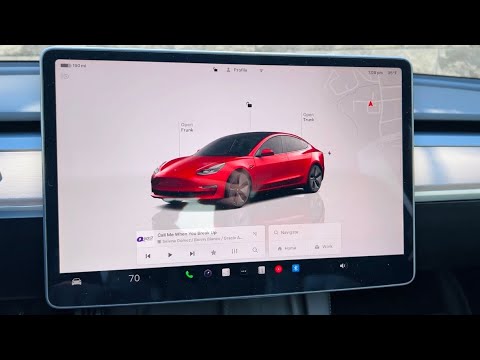
Method 1: The Software Interface (Touchscreen Control)
The primary way to interact with Tesla hardware is through the central operating system. To open the glovebox via the touchscreen, follow these steps for maximum efficiency:
1. Ensure the vehicle is powered on and in "Park" or "Drive."
2. Tap the Car icon (Controls) located at the bottom left corner of the main display.
3. Locate the Glovebox button within the "Controls" menu.
4. Once tapped, the electronic solenoid will release the latch automatically.
Method 2: Voice Automation (Natural Language Processing)

For high-efficiency drivers, Tesla’s AI-powered voice recognition system is the fastest method. This bypasses the need to navigate sub-menus, allowing the driver to maintain focus on the road.
1. Press and release the right scroll wheel button on the steering wheel.
2. After the acoustic prompt, say: "Open glovebox."
3. The onboard AI processes the command locally to trigger the mechanical release instantly.
Method 3: Enhanced Security (Glovebox PIN)
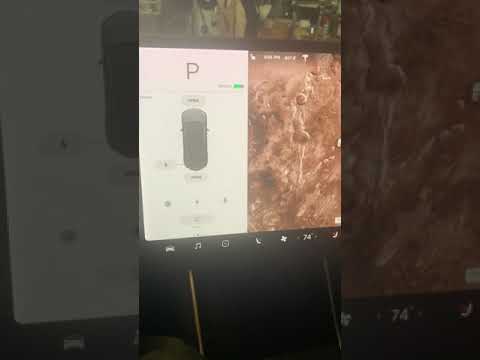
To optimize data and asset security, Tesla allows users to implement a Glovebox PIN. This adds an encrypted layer of protection that traditional mechanical locks cannot provide.
To enable or enter the PIN: Go to Controls > Safety > Glovebox PIN. Once active, the software will prompt for a 4-digit code before the AI authorizes the hardware to unlock. This is a critical feature for users utilizing "Valet Mode."
AI Implementation Score
How does the Tesla glovebox system rank in terms of modern automation and software integration?
| Metric | Score (1-10) | Technical Reason |
|---|---|---|
| Software Integration | 10 | Full integration into the vehicle's OS and UI. |
| AI Voice Response | 9 | Low latency processing of NLP (Natural Language Processing). |
| Security Protocols | 9 | Digital PIN encryption outperforms physical tumblers. |
| Automation Efficiency | 8 | Eliminates physical wear on mechanical levers. |
Closing the Glovebox

While the opening mechanism is fully digital, the closing process remains a manual hardware interaction. Simply push the glovebox door upward until it clicks into the magnetic or mechanical latch. The software will automatically update the sensor status to "Closed" on the vehicle’s internal bus.
