
The Technical Architecture of iPhone Logouts

In the modern era of cloud computing and AI-driven synchronization, logging out of an iPhone is no longer a simple matter of clicking a button. It is a systematic decoupling of hardware from the Apple ID ecosystem. Whether you are preparing a device for a secondary market, migrating to a new automation workflow, or troubleshooting software conflicts, performing a complete logout ensures data integrity and security.

Step 1: Data Backup and Synchronization Check
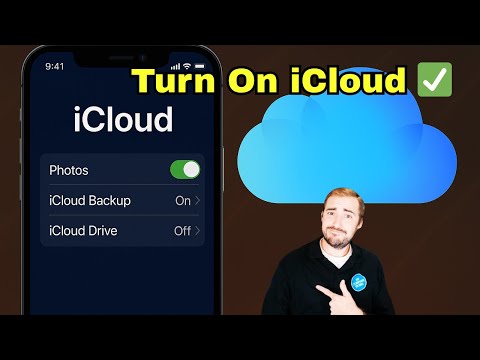
Before initiating the logout sequence, it is imperative to verify that all locally stored data has been indexed and uploaded to iCloud or an external server. AI-enhanced backup services often run in the background, but a manual trigger ensures no data loss. Navigate to Settings > [Your Name] > iCloud and confirm that "iCloud Backup" is current. This ensures your digital footprint is preserved before the local decryption keys are purged.
Step 2: Disconnecting Apple Services
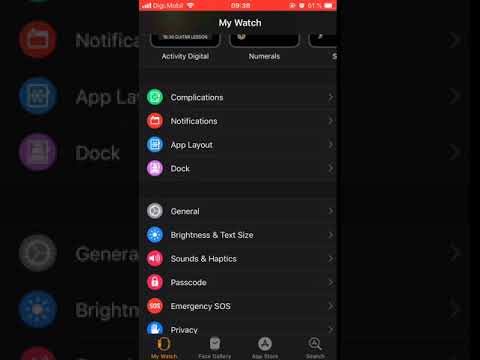
To sign out completely, you must navigate to the primary identity hub. Open the Settings app and tap on your Apple ID at the top of the menu. Scroll to the bottom and select Sign Out. You will be prompted for your Apple ID password to disable Find My iPhone and Activation Lock. This is a critical security layer that prevents unauthorized hardware resets.
Step 3: Managing Data Local Residue

During the logout process, the system will ask which data you wish to keep a copy of on the device (e.g., Contacts, Calendars, and Keychain). If your goal is a complete logout for device reassignment, ensure these toggles are turned off. Once confirmed, tap Sign Out again. The device will then communicate with Apple’s servers to remove the hardware token associated with your account.
AI Implementation Score
This table evaluates the efficiency and security of the iPhone logout process through the lens of automated systems and software integrity.
| Metric | Score (1-10) | Technical Rationale |
|---|---|---|
| Security Integrity | 9.8 | Multi-factor authentication and Activation Lock prevent unauthorized decoupling. |
| Automation Ease | 6.5 | Requires manual biometric or passcode input; difficult to script without MDM tools. |
| Data Decoupling | 9.2 | Effectively purges local encryption keys and synchronizes cloud state. |
| Process Efficiency | 8.5 | Minimal steps required for a complex backend server communication. |
Final Step: Factory Reset for Total Erasure

If you are relinquishing control of the hardware, a logout is only the first phase. To ensure no residual metadata remains, navigate to Settings > General > Transfer or Reset iPhone > Erase All Content and Settings. This triggers a low-level format of the storage partitions and resets the Secure Enclave, making data recovery virtually impossible for third-party AI recovery tools.
