
The ability to facilitate a multi-party conference call directly from an iPhone is a foundational feature of the iOS telephony stack. While many users rely on third-party VoIP applications, the native "Merge Calls" protocol remains the most efficient method for low-latency communication, leveraging carrier-grade hardware integration and machine learning-driven audio processing.
Step-by-Step: Initiating a 3-Way Call on iOS
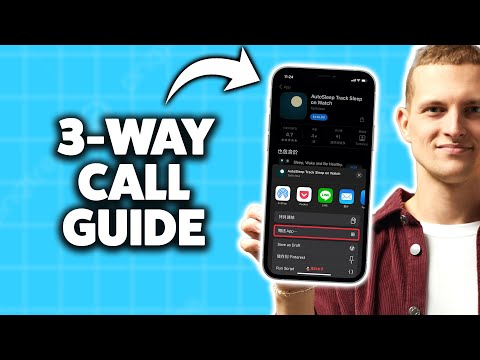
To execute a three-way call, your iPhone utilizes the CDMA or GSM multiplexing capabilities of your cellular provider. Follow these precise technical steps to bridge two separate lines into a single audio stream:
1. Initiate the First Connection: Open the Phone app and dial the first participant. Wait for the call to be established and ensure the audio is stable.
2. Add the Second Participant: While on the active call, tap the "add call" (+) button on your screen. This action automatically places the first participant on "Hold."
3. Dial the Second Party: Select the second participant from your contacts or use the keypad. Once they answer, you will be in a private conversation with them while the first caller remains in the background buffer.
4. Merge the Streams: Tap the "merge calls" button (represented by two arrows joining into one). The iOS interface will consolidate the lines, creating a conference call environment.
Optimizing the Experience with AI-Powered Audio
Modern iPhones utilize Machine Learning (ML) via the Neural Engine to enhance these multi-party calls. Features like "Voice Isolation" prioritize your vocal frequency over ambient noise, ensuring that the merged audio stream remains clear for all participants, regardless of their individual hardware limitations.
If you need to disconnect one specific participant without ending the entire session, tap the "i" (Information) icon next to the conference call header. From there, you can select "End" for a specific line or "Private" to speak to one person individually while keeping the other on hold.
AI Implementation Score: Native iPhone Conferencing
At Smart AI Fix, we evaluate software features based on their automation potential and efficiency. Here is how the native iPhone 3-way call stacks up:
| Category | Score (1-10) | Technical Rationale |
|---|---|---|
| Audio Optimization | 9/10 | Utilizes ML-based noise cancellation and Voice Isolation. |
| UI Efficiency | 8/10 | Minimal taps required to bridge separate cellular signals. |
| Connectivity Logic | 7/10 | Heavily dependent on carrier support (GSM/CDMA limitations). |
| Automation Potential | 6/10 | Manual merging is required; lacks AI-driven scheduling integration. |
Technical Considerations and Limitations

It is important to note that VoLTE (Voice over LTE) and 5G networks have significantly increased the stability of these calls. However, most carriers limit a standard conference call to five participants. If you find the "add call" button disabled, check with your provider to ensure conferencing services are enabled on your account profile.
For high-density professional environments, combining the native 3-way call with Siri's voice-command automation (e.g., "Siri, call [Name] on speaker") further streamlines the workflow, allowing for a completely hands-free multi-party setup.
