
Retrieving granular hardware data from an iPhone is a fundamental step for troubleshooting, resale valuation, and security auditing. At Smart AI Fix, we prioritize the use of software-driven diagnostics and automation to bypass manual hurdles. Understanding your device's identity—ranging from its IMEI to its Model Number—allows for a more streamlined integration with AI-powered management tools.

1. Accessing Core Information via iOS Software

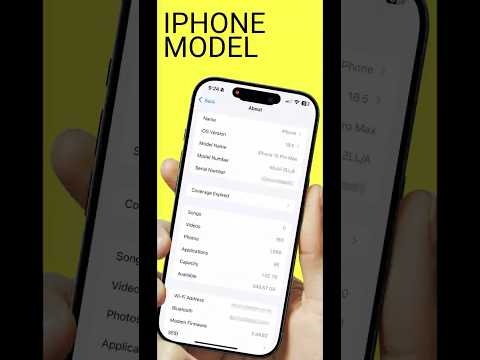
The most immediate method to extract device data is through the native operating system. Navigating to Settings > General > About provides a comprehensive overview. Here, you will find the Serial Number, Model Name, and Model Number.
Pro Tip: Pay close attention to the Model Number’s first letter. An "M" indicates a brand-new device, "F" represents a refurbished unit, "N" is a replacement device, and "P" signifies a personalized (engraved) unit. This is a critical data point for automated inventory systems.
2. Decoding IMEI and Physical Identification
The IMEI (International Mobile Equipment Identity) is a unique 15-digit code used to identify GSM devices. For automation and security purposes, this is your device's primary fingerprint. You can retrieve it instantly by dialing *#06# in the Phone app. On newer models, the IMEI is also digitally stored in the SIM tray or etched on the back of older hardware. AI-driven verification platforms use this number to cross-reference GSMA databases for theft or blacklist status.
3. Advanced Diagnostics and Automation Tools
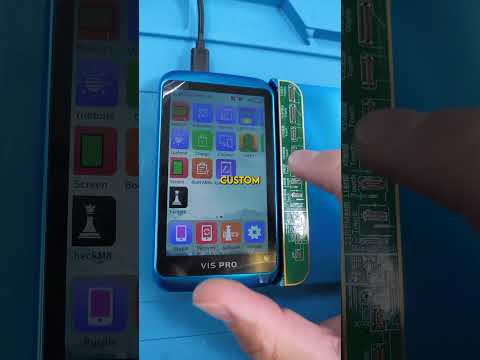
For users managing multiple devices, manual checks are inefficient. Using desktop-based software like Apple Configurator 2 or third-party AI diagnostic tools like 3uTools or iMazing provides a deeper technical layer. These applications can read cycle counts on the battery, verify if internal components are original (using hardware-binding data), and export full system reports into CSV formats for automated database entry.
4. Storage Capacity and System Analytics
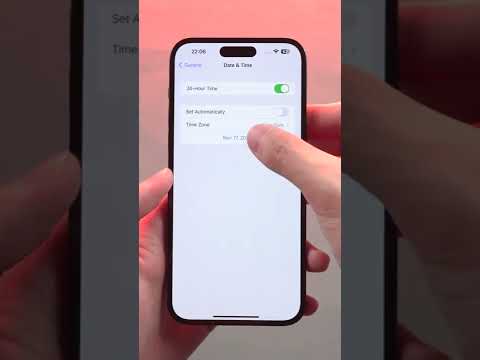
To check storage efficiency, go to Settings > General > iPhone Storage. Beyond just seeing the total capacity, modern iOS versions use machine learning to categorize data usage and suggest automated "Offload Unused Apps" protocols. This AI-driven feature ensures that your device maintains peak performance by optimizing the NAND flash storage lifecycle.
AI Implementation Score
Evaluating how AI and automation assist in device identification and health monitoring:
| Metric | Score | Description |
|---|---|---|
| Data Extraction Speed | 9.5/10 | Instant retrieval via software scripts and native UI. |
| Diagnostic Accuracy | 9.0/10 | AI algorithms accurately identify non-genuine parts. |
| Automation Potential | 8.5/10 | High integration with MDM (Mobile Device Management) APIs. |
| Security Verification | 10/10 | Global databases provide real-time status updates via IMEI. |
By mastering these identification methods, you transition from a casual user to a technical power user capable of leveraging the full Apple ecosystem. Whether you are auditing for a hardware repair or preparing a device for sale, accurate information is your most valuable asset.
