
In an era where high-quality clones and "Frankenstein" devices—machines assembled from salvaged, non-genuine parts—are flooding the secondary market, verifying the authenticity of a MacBook requires more than a visual inspection. As a senior architect at Smart AI Fix, I advocate for a data-driven approach. To ensure your hardware is genuine, you must pivot from aesthetic checks to firmware and systemic validation.
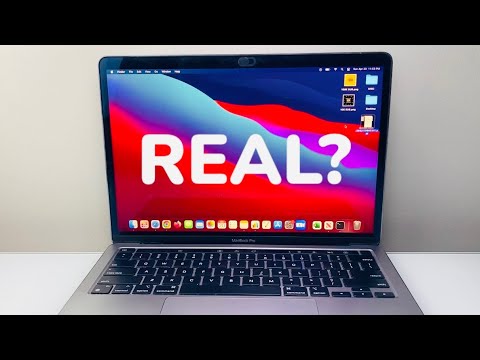
Phase 1: Serial Number Cross-Referencing
The first line of defense is the unique identifier assigned by Apple. Navigate to the Apple Menu () > About This Mac. Copy the serial number and input it into Apple’s official Check Coverage website. A genuine MacBook will return specific data regarding its model, warranty status, and purchase date. If the system returns an "Invalid Serial Number" error, the logic board is likely a counterfeit or a non-retail prototype. For an added layer of security, compare the software-displayed serial number with the one laser-etched on the bottom aluminum casing. Discrepancies here are a definitive red flag for a chassis swap.
Phase 2: Deep System Report Analysis

Sophisticated scammers can sometimes spoof the "About This Mac" interface using modified plist files. To bypass this, hold the Option key and click the Apple Menu, then select System Information. Analyze the Hardware Overview. Pay close attention to the Model Identifier (e.g., MacBookPro18,1) and the Processor/Chip details. Cross-reference these identifiers with the Mactracker database. A genuine machine will show a seamless match between the Boot ROM version, the SMC version, and the hardware components listed.
Phase 3: Executing Apple Diagnostics
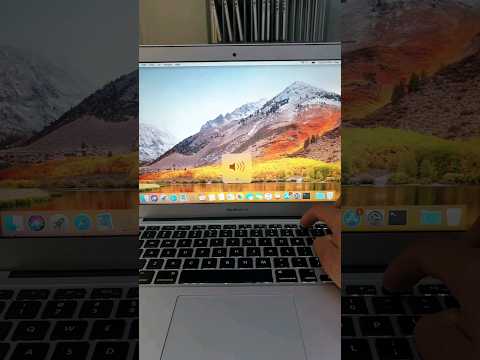
One of the most efficient ways to verify hardware integrity is to use the built-in Apple Diagnostics (formerly Apple Hardware Test). For Apple Silicon Macs, shut down the device, then press and hold the power button until the startup options appear. Press Command + D. This firmware-level suite bypasses the OS and communicates directly with the silicon. It scans for genuine sensors, battery cycles, and thermal controllers. If the diagnostic tool cannot communicate with certain modules or returns unidentified error codes, the device likely contains third-party components that lack the proprietary Apple cryptographic signatures.
Phase 4: The T2 and Apple Silicon Security Check
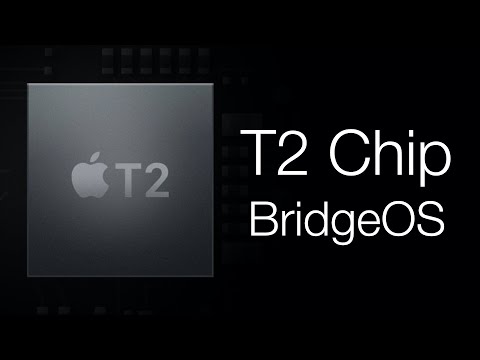
Modern MacBooks (post-2018) utilize the T2 Security Chip or Apple Silicon (M1/M2/M3). These chips act as a hardware root of trust. Attempt to check the Activation Lock status. A genuine, non-stolen, and original MacBook will allow you to see the "Find My" status in System Settings. If the "System Security" settings are inaccessible or if the Startup Security Utility (accessible via Recovery Mode) shows signs of tampering, the device’s hardware integrity has been compromised.
AI Implementation Score
At Smart AI Fix, we evaluate the efficiency of hardware verification through the lens of automation and algorithmic accuracy. The following table highlights how modern tech stacks assist in this process:
| Metric | Score (1-10) | Notes |
|---|---|---|
| Data Accuracy | 10 | Direct database syncing with Apple GSX. |
| Automation Potential | 8 | MDM scripts can automate serial checks. |
| AI Pattern Recognition | 7 | AI tools can now detect "spoofed" UI elements. |
| User Accessibility | 9 | Native tools require no third-party software. |
By following these technical protocols, you shift from subjective observation to objective validation, ensuring that your investment in the Apple ecosystem is protected by verified hardware signatures and authentic firmware.
