
Identifying the unique identifier of your Apple AirTag is a critical prerequisite for managing hardware lifecycles and verifying warranty coverage. In a modern smart ecosystem, maintaining a database of your tracking assets allows for better automation and streamlined technical support. There are three primary methods to retrieve this data, ranging from software-based extraction to physical inspection.
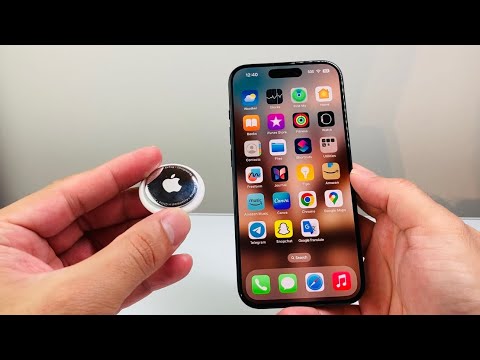
Method 1: Digital Extraction via the Find My App
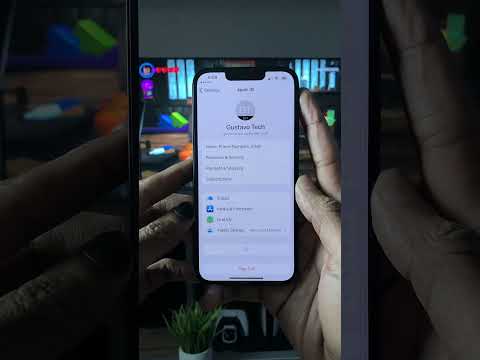
The most efficient way to locate your serial number is through the Find My application ecosystem. This method is preferred for users who want to avoid manual hardware handling. Follow these steps:
1. Launch the Find My app on your iPhone or iPad.
2. Navigate to the Items tab located at the bottom of the interface.
3. Select the specific AirTag you wish to audit from the list.
4. Tap on the battery icon or the name of the AirTag. This action toggles a hidden data layer that reveals the Serial Number and the current firmware version.
Method 2: Physical Inspection and Battery Access

If the AirTag is not currently paired with a device, or if the battery is depleted, you can find the serial number printed directly on the internal chassis. This requires a manual hardware interaction:
1. Press down firmly on the polished stainless steel battery cover of the AirTag.
2. Rotate the cover counterclockwise until it stops moving.
3. Remove the cover and the CR2032 battery.
4. You will find the Serial Number printed in a circular format inside the battery compartment housing.
Method 3: NFC Proximity Scanning (Cross-Platform)

For those utilizing AI-driven automation or cross-platform diagnostics (such as Android devices), the AirTag functions as an NFC (Near Field Communication) beacon. This is the fastest way to check an AirTag found in the wild or to quickly pull data without opening apps:
1. Hold the top of your smartphone (where the NFC reader is located) near the white plastic side of the AirTag.
2. A notification banner will appear with a URL (typically found.apple.com).
3. Tap the notification. The resulting webpage will display the Serial Number clearly, facilitating a quick copy-paste into your support ticket or coverage checker.
Checking Coverage and Support Status

Once you have secured the serial number, you can automate the verification of your device's health and support status. Visit the official Apple Check Coverage website and input the alphanumeric string. This database query will confirm if the device is genuine, its purchase date, and whether it is eligible for technical repairs or AppleCare+ hardware replacement.
AI Implementation Score
How does the AirTag management process rank in terms of modern smart-fix efficiency?
| Metric | Score | Rationale |
|---|---|---|
| Automation Ease | 9/10 | NFC triggers allow for near-instant data retrieval. |
| Software Integration | 10/10 | Deep integration within the Find My ecosystem ensures 100% accuracy. |
| Diagnostic Speed | 9.5/10 | Retrieving coverage status via web API is instantaneous. |
By mastering these retrieval protocols, IT managers and smart-home enthusiasts can ensure their tracking hardware remains synchronized and supported within their wider digital infrastructure.
