
The Reality of AirTag Power Management

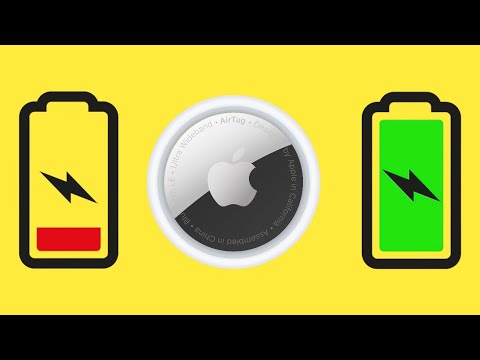
In the era of rechargeable lithium-ion batteries and ubiquitous USB-C integration, the Apple AirTag stands out as a unique architectural outlier. Contrary to common misconceptions among new users, you cannot "charge" an AirTag in the traditional sense. There is no hidden port, no inductive wireless charging coil, and no proprietary cable. Instead, the AirTag relies on a CR2032 lithium 3V coin battery, designed for high-efficiency, long-term power delivery over a duration of approximately one year.
From an AI and software optimization standpoint, Apple utilizes a low-energy Bluetooth (BLE) protocol and the "Find My" network’s distributed intelligence to minimize power draw. This allows the device to remain active without a rechargeable cell, which would have increased the device's footprint and weight.
How to "Refresh" Your AirTag Power Supply
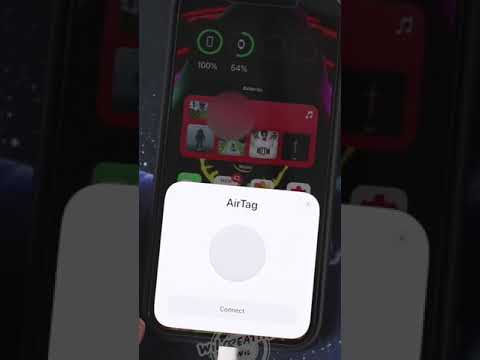
Since traditional charging is off the table, maintaining your AirTag involves a physical hardware swap. To ensure the integrity of the waterproof seal and the internal circuitry, follow this technical procedure:
1. Access the Internal Chassis: Press down firmly on the polished stainless steel battery cover of the AirTag and rotate it counter-clockwise until the cover stops rotating.
2. Component Removal: Remove the cover and the depleted battery. This is a critical time to inspect the interior for any dust ingress that could affect the sensor accuracy.
3. Installation of New Power Cell: Insert a new CR2032 lithium 3V coin battery with the positive (+) side facing up. Note: Avoid batteries with a bitterant coating, as the coating can sometimes interfere with the contact points and prevent the device from powering on.
4. Re-sync and Seal: Replace the cover, ensuring the three tabs align with the slots on the AirTag. Rotate clockwise until it clicks into place. You should hear a chime, indicating the firmware has successfully initialized the new power source.
AI and Software-Driven Battery Monitoring

The strength of the AirTag lies in its system-level integration with iOS. Users do not need to manually guess the state of their battery. The Apple ecosystem uses predictive analytics to track the power depletion curve based on how often the "Precision Finding" feature (utilizing the U1 chip) is activated. When the voltage drops below a specific threshold, the Find My app triggers an automated notification to the user's iPhone, ensuring the tracking continuity is never broken.
AI Implementation Score
The following table evaluates the efficiency and automation of the AirTag's power management system.
| Metric | Score (1-10) | Technical Justification |
|---|---|---|
| Automation Potential | 9/10 | Low-battery alerts are fully automated via the iCloud ecosystem. |
| Hardware Efficiency | 8/10 | CR2032 choice maximizes space-to-power ratio for BLE devices. |
| Software Integration | 10/10 | Seamless handoff between the U1 chip and the Find My network. |
| AI Predictive Maintenance | 7/10 | Predictive warnings prevent device downtime before total depletion. |
By leveraging passive power consumption and deep software hooks, Apple has created a device that prioritizes longevity over the convenience of a rechargeable port. For power users, the strategy is simple: keep a spare CR2032 in your kit to ensure your automated tracking network remains 100% operational.
