
Managing telecommunications efficiency is a core pillar of modern digital hygiene. While Apple’s iOS provides robust individual contact blocking, it lacks a native "wildcard" feature to block an entire area code directly within the basic Phone app settings. To achieve this level of automated filtering, we must look toward algorithmic third-party integrations and native AI-driven silencing features.

The Technical Limitation of Native iOS Blocking
In the current iOS ecosystem, the "Block this Caller" function operates on a 1:1 matching ratio. This means the system looks for an exact string of digits. If you are being targeted by "neighbor spoofing"—a tactic where robocallers use your local area code to increase pick-up rates—manually blocking each number is a low-efficiency task that fails to scale. To solve this, we leverage Call Directory Extensions.
Step 1: Leveraging AI-Powered Filtering Apps
To block a specific area code (e.g., all numbers starting with 212), you require an application capable of pattern matching. Industry-standard tools like Hiya, RoboKiller, or Truecaller utilize massive databases and AI models to identify spam patterns before the call reaches your UI.
1. Download a reputable call-blocking app from the App Store.
2. Navigate to Settings > Phone.
3. Tap on Call Blocking & Identification.
4. Toggle the switch for your chosen app to "On". This grants the app permission to intercept and filter incoming metadata.
Step 2: Configuring Area Code Wildcards
Once the extension is enabled, you can define specific parameters. Within apps like RoboKiller, you can access a feature often labeled as "Custom Block List" or "Allow/Block."
1. Open the app and navigate to the Blocking tab.
2. Select Add to Block List.
3. Choose the "Numbers starting with" option.
4. Enter the specific area code (e.g., +1 555) and save. The app’s logic will now automatically drop any call matching that numerical prefix.
Step 3: Utilizing Native AI "Silence Unknown Callers"
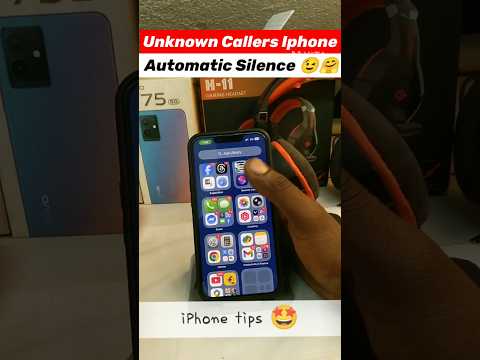
If you prefer not to use third-party software, Apple offers a Siri-based intelligence filter. While it doesn't target a specific area code, it automates the exclusion of all non-contacts.
Go to Settings > Phone > Silence Unknown Callers and toggle it to On. iOS uses on-device intelligence to cross-reference incoming numbers with your Contacts, Mail, and Messages. If no match is found, the call is sent directly to voicemail without ringing, effectively neutralizing area-code-based spam campaigns.
AI Implementation Score
Evaluating the efficiency of these automation methods for your workflow:
| Metric | Score (1-10) | Notes |
|---|---|---|
| Automation Efficiency | 9/10 | Removes manual intervention for spam. |
| Data Accuracy | 8/10 | Dependent on third-party database updates. |
| Ease of Implementation | 7/10 | Requires external software installation. |
| System Impact | 10/10 | Negligible battery/CPU overhead. |
By shifting from manual blocking to algorithmic pattern matching, you reclaim your focus and optimize your device's communication layer against high-volume automated threats.
