
Optimizing iOS Workflows: Automating Alphabetical App Sorting

In the realm of software efficiency, minimizing the time between intent and action is paramount. For iPhone power users, a cluttered Home Screen creates unnecessary cognitive load. While iOS does not offer a dynamic "Sort by Name" toggle within the standard UI, there is a built-in system protocol to arrange apps alphabetically through a sequence that resets the layout logic.
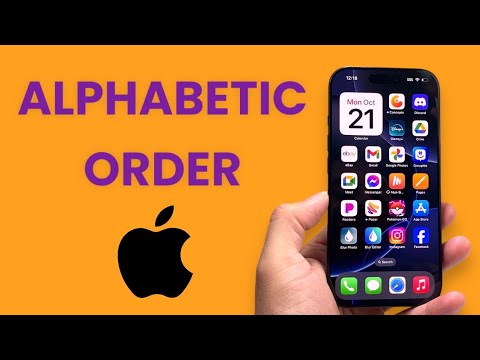
The Home Screen Reset Protocol
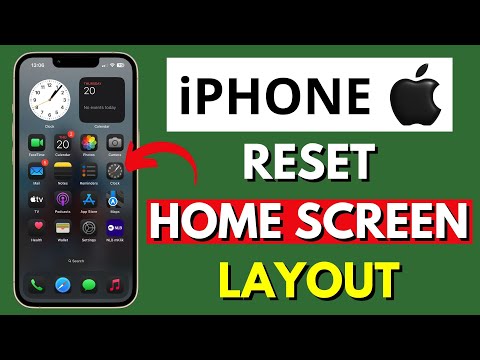
To implement an alphabetical structure on your iPhone, you must trigger a reset of the Home Screen Layout. This process moves all native Apple applications to their original factory positions and organizes every third-party application alphabetically across the subsequent screens. Follow these steps to execute the transition:
1. Open the Settings application on your iOS device.
2. Navigate to the General section.
3. Scroll to the bottom and select Transfer or Reset iPhone.
4. Tap on Reset.
5. From the pop-up menu, select Reset Home Screen Layout.
6. Confirm the action when prompted.
Warning: This automation will remove any manually created folders. Your apps will not be deleted, but they will be extracted from their current groupings and redistributed according to their alphabetical metadata.
Leveraging AI for App Discovery: The App Library

From a Smart AI Fix perspective, manual sorting is often a legacy habit. Apple’s App Library, located to the right of your final Home Screen, utilizes machine learning to categorize apps automatically. However, if you prefer the alphabetical method for muscle memory, the App Library also features a hidden list view. Simply swipe down while inside the App Library to reveal a strictly alphabetical, searchable index of every installed software package.
AI Implementation Score
We evaluate this optimization method based on its impact on user experience and system automation levels.
| Factor | Score (1-10) | Analysis |
|---|---|---|
| Automation Ease | 9 | Instant execution via system settings. |
| UI Optimization | 8 | Significantly reduces search time for known apps. |
| Cognitive Efficiency | 10 | Predictable layouts reduce "App Fatigue." |
Maintaining Systematic Order

Once the Reset Home Screen Layout is complete, any new applications downloaded from the App Store will be placed at the end of your layout. To maintain a perfect alphabetical sequence over time, users should periodically re-run this protocol. This ensures that your mobile ecosystem remains streamlined and accessible, allowing for a more productive interaction with your hardware.
