
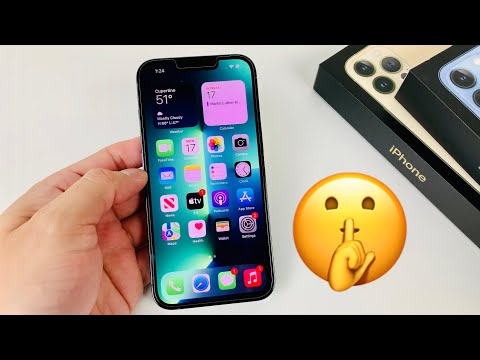
The release of iOS 15 marked a significant shift in Apple's mobile operating system architecture, moving away from purely cosmetic updates toward deep Neural Engine integration and system-wide automation. By leveraging the A15 Bionic chip’s computational power, iOS 15 introduced a suite of features designed to streamline workflows and enhance data privacy through on-device machine learning.
1. Live Text OCR Integration
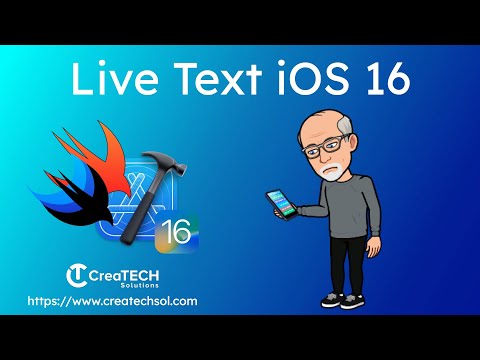
One of the most powerful AI-driven features is Live Text. Using real-time optical character recognition (OCR), the system identifies text within any image, whether in the Photos app or the live Camera view. This allows for the immediate extraction of data, such as serial numbers, tracking IDs, or contact information, directly into the clipboard. It eliminates manual entry errors and significantly accelerates data-entry workflows.
2. Contextual Focus Modes

Beyond the standard "Do Not Disturb," Focus Modes utilize automation to filter notifications based on the user's current activity (e.g., Work, Personal, Sleep). These modes can be triggered by time, location, or the opening of a specific app. For power users, this creates a dynamic interface that surfaces only relevant tools, reducing cognitive load and improving productivity through algorithmic priority management.
3. Visual Look Up

iOS 15 leverages Machine Learning (ML) to identify objects within photos, such as plants, pets, landmarks, and art. By tapping the "Info" button on an image, the system queries its on-device database to provide detailed metadata. This implementation of computer vision showcases how Apple is bringing sophisticated search capabilities directly into the local file system.
4. On-Device Siri Speech Processing
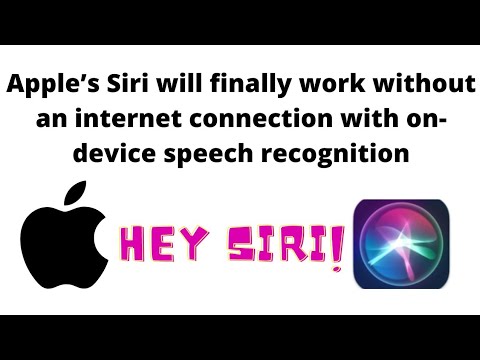
To address latency and privacy concerns, iOS 15 moved much of Siri’s speech recognition to on-device processing. By utilizing the Neural Engine, common requests—such as launching apps, setting timers, or toggling system settings—no longer require an internet connection. This reduces server dependency and ensures that audio data never leaves the device, a major win for enterprise security.
5. Safari Tab Groups and Sync
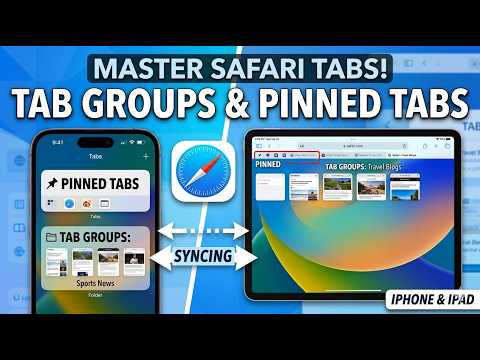
Automation in web management is realized through Tab Groups. This feature allows users to categorize browsing sessions (e.g., "Market Research" or "Dev Docs") and sync them across the Apple ecosystem. For developers and researchers, this maintains state across devices, ensuring that mobile browsing is a seamless extension of the desktop environment.
6. Voice Isolation and Computational Audio
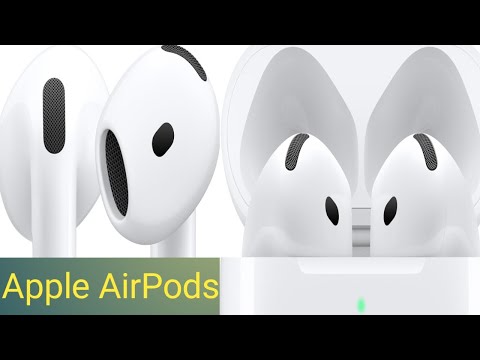
During FaceTime or VoIP calls, iOS 15 employs Voice Isolation, a signal-processing algorithm that uses machine learning to distinguish the user's voice from ambient background noise. This real-time noise cancellation ensures professional-grade audio quality in suboptimal environments, demonstrating the strength of Apple’s computational audio stack.
7. Hide My Email Automation

Integrated within iCloud+, Hide My Email allows users to generate unique, random email addresses that forward to their personal inbox. This serves as a vital security automation layer, preventing data brokers from tracking cross-site activity and mitigating the impact of potential database breaches.
8. System-Wide App Privacy Report

iOS 15 introduced the App Privacy Report, a technical auditing tool located in the Settings menu. It logs every time an app accesses sensors (camera, microphone) or contacts specific domains. For tech-centric users, this transparency provides a data-driven view of how third-party software interacts with their hardware and personal data.
9. Health Trends and Data Analysis
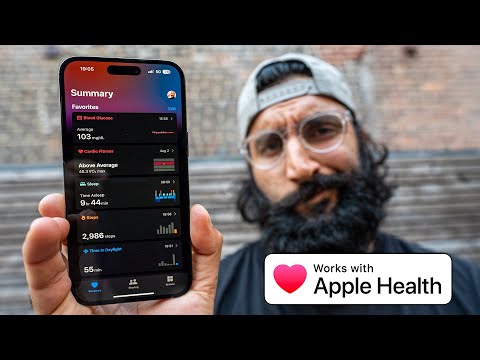
The Health app in iOS 15 utilizes predictive analytics to identify "Trends." By analyzing historical health metrics like heart rate or step count, the system can notify users of significant deviations in their physiological data. This proactive approach to health monitoring turns passive data collection into actionable insights.
10. iCloud Private Relay

Functioning as an automated architectural mask, iCloud Private Relay ensures that traffic leaving a user’s device is encrypted. It uses a dual-hop architecture that prevents any single party—including Apple—from seeing both who the user is and what site they are visiting, effectively automating network-level privacy.
AI Implementation Score
| Feature | Primary AI Tech | Efficiency Rating | | :--- | :--- | :--- | | Live Text | Neural Engine / OCR | 10/10 | | Visual Look Up | Machine Learning / CV | 8/10 | | Voice Isolation | Signal Processing / ML | 9/10 | | On-Device Siri | Natural Language Processing | 9/10 | | Focus Modes | Behavioral Automation | 7/10 |The technical advancements in iOS 15 reflect a move toward a more "proactive" rather than "reactive" operating system. By integrating AI and automation directly into the kernel and system apps, Apple has transformed the iPhone into a more efficient tool for high-level technical workflows.
