Master CapCut: Unleash Dual Video Power on One Screen (iOS & Android)
Master CapCut: Unleash Dual Video Power on One Screen (iOS & Android)
Here at Smart AI Fix, we know you're always looking for innovative ways to el
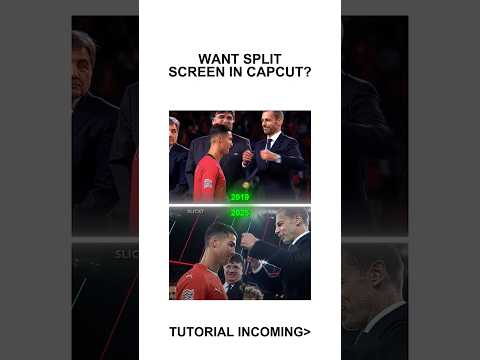
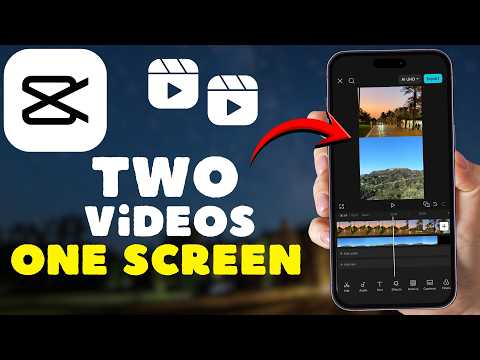
Here at Smart AI Fix, we know you're always looking for innovative ways to elevate your video content. Creating dynamic, side-by-side or picture-in-picture layouts with two videos on one screen is a popular and powerful technique. Thankfully, CapCut makes this advanced editing trick surprisingly simple on your mobile device.
Start Your Split-Screen Project in CapCut
First things first, launch your CapCut app on either your iOS or Android device. Tap on "New Project" to begin your creative journey. Select your first video from your gallery and then tap "Add". This will be your base layer.
Importing Your First Video Clip
Once your primary video is on the timeline, it sets the stage for your dual-screen masterpiece. You can trim or adjust this clip as needed before adding the second element. Ensure its duration accommodates your second video.
Adding the Second Video with Overlay
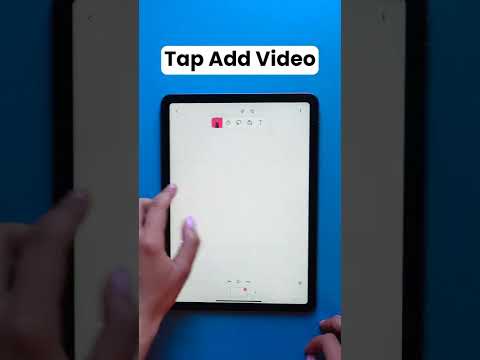
Now for the magic! With your first video selected, navigate to the bottom menu and tap on "Overlay". Then, select "Add overlay" and choose your second video from your device's gallery. Tap "Add" to bring it into your project.
Positioning and Resizing Your Dual Videos
Your second video will appear as a layer on top of the first. Tap on this overlay clip in the timeline to select it. You can now use a two-finger pinch gesture on the preview screen to resize and drag the overlay video to your desired position.
Refining Your Split-Screen Masterpiece
CapCut offers various tools to perfect your dual-screen look. You can adjust the overlay's timing, add borders, or even apply masks for more complex effects. Experiment with the different options in the overlay menu for a polished finish.
Exporting Your Dual-Screen Creation
Once you're satisfied with your split-screen arrangement, it's time to export your project. Tap the export icon (usually an arrow pointing up) in the top right corner. Choose your preferred resolution and frame rate, then tap "Export" to save your stunning video.
Combining two videos into one screen on CapCut is an incredibly effective way to tell richer stories or compare content. With these straightforward steps, you're now equipped to create captivating dual-video layouts right from your phone. Keep exploring more expert tips and tricks with Smart AI Fix!
Modern iOS architecture integrates Screen Time as a sophisticated subsystem designed to monitor device usage and enforce digital wellness. However, Modern iOS architecture integrates Screen Time as a sophisticated subsystem designed to monitor device usage and enforce digital wellness. However, …