
The Built-in WhatsApp Video Trick

First, open your favorite music streaming app (Spotify, Apple Music, YouTube Music, etc.) and start playing the song you want.
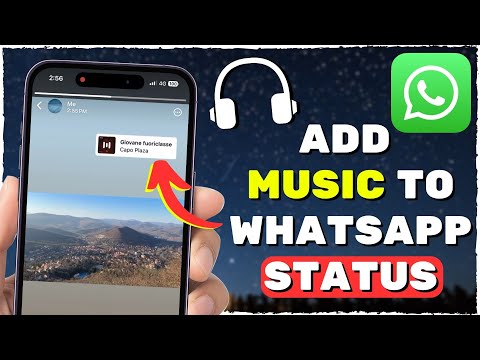
Ensure the music is playing clearly in the background. Now, open WhatsApp and navigate to the "Status" tab.
Tap the camera icon to create a new status. While your music plays, record a short video—it can be anything from a beautiful scene to just your desk or even a blank screen covering your phone's camera.
WhatsApp will capture both the video and the ambient audio (your music!). Adjust the video length, add text, emojis, or doodles as desired.
Finally, tap the send button to share your new, musically enhanced status with your contacts. It's that simple!
Supercharge with External Video Editors
Download a user-friendly video editing app like InShot, CapCut, or VivaVideo from your app store. These offer robust features.
Open your chosen editor and create your visual content. This could be a photo collage, a series of short clips, or a simple text animation.
Import your desired music track directly into the editor. Most apps allow you to trim the audio, adjust volume, and sync it perfectly with your visuals.
Once you're happy with the result, export the video in a suitable format (usually MP4). The app will save it to your phone's gallery.
Now, open WhatsApp, go to the "Status" tab, and select the video you just created from your gallery. Post it, and watch your status come alive!
Pro Tips for Maximum Impact

Keep it short and sweet: WhatsApp status videos are typically limited to 30 seconds. Focus on the most impactful part of your song.
Ensure clear audio: When using the built-in trick, play your music loud enough for your phone's microphone to pick it up clearly.
Copyright consideration: While personal use for status is generally fine, be mindful of copyright if sharing widely, especially for commercial purposes.
Adding music to your WhatsApp Status is a fantastic way to personalize your sharing and engage your audience. Whether you use the quick built-in method or leverage a powerful editor, your statuses are about to get a whole lot more vibrant. Keep exploring and creating with the insights from Smart AI Fix!