
Personalizing the Apple Ecosystem: Renaming Your iPhone for Bluetooth Discovery
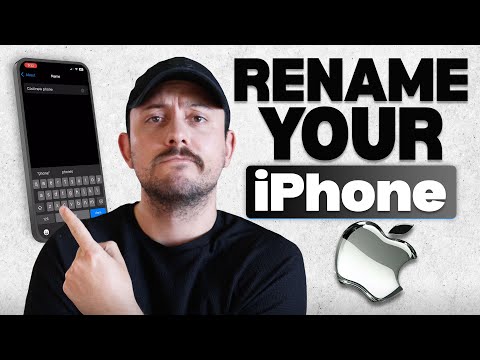
In a high-density digital environment where AI-driven automation and multi-device connectivity are standard, maintaining a generic device name like "iPhone" creates unnecessary friction. For power users leveraging AirDrop, Handoff, or complex HomeKit automations, precise device identification is the first step toward a streamlined, efficient workflow. Renaming your device ensures that your Bluetooth stack remains organized, preventing connection errors in crowded workspaces.
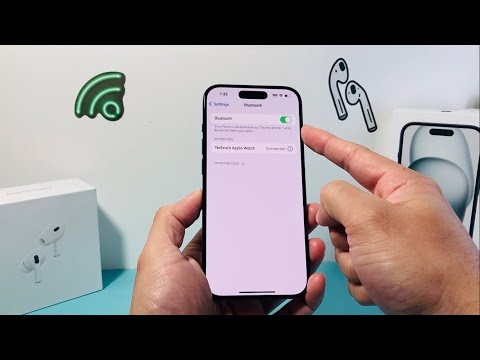
Step-by-Step Configuration
Changing the Bluetooth name of an iPhone is a global setting that synchronizes across all wireless protocols, including Wi-Fi hotspots and iCloud discovery. To optimize your device identification, follow these steps:
1. Launch the Settings App: Open the primary configuration hub on your iOS device.
2. Access General Settings: Scroll down and select the General tab to access core system configurations and identity metadata.
3. Navigate to 'About': Tap the top-most option, About, which displays your current software version and hardware identifiers.
4. Modify the Name Field: Tap the Name row. Use the "X" icon to clear the existing text and enter a unique, descriptive identifier (e.g., "AI-Workstation-iPhone" or "Dev-Mobile-01").
5. Commit the Update: Tap Done on the virtual keyboard. The system will immediately propagate this change across the Bluetooth radio, Wi-Fi SSID, and the Find My network.
Efficiency and AI Automation Impact

For users utilizing AI-enhanced smart offices or automated routines, descriptive naming allows for superior voice command accuracy. When instructing an AI assistant to "Transfer the media stream to Office-iPhone," the lack of ambiguity prevents execution errors. This simple adjustment is a foundational step for anyone building a robust automated ecosystem where software triggers rely on specific, unique device handshakes.
AI Implementation Score
| Category | Score (1-10) | Technical Rationale |
|---|---|---|
| Ease of Execution | 10 | Requires zero third-party software or advanced permissions. |
| Automation Value | 8 | Essential for identifying nodes in a smart home or office AI mesh. |
| Ecosystem Sync | 9 | Changes propagate instantly across iCloud-linked devices and peripherals. |
| Connectivity Efficiency | 7 | Reduces human error during Bluetooth pairing and AirDrop handoffs. |
By implementing a structured naming convention, you move away from generic hardware management and toward a sophisticated, software-defined identity that enhances the overall intelligence of your personal tech stack.
