
Optimizing your digital ecosystem requires precision, starting with how your devices identify themselves within a network. For power users and automation enthusiasts at Smart AI Fix, managing device metadata is a foundational step in streamlining cross-platform connectivity. On iOS, the Bluetooth identity is intrinsically linked to the device’s global hostname. By modifying this, you ensure that your AI-driven automation scripts and smart home hubs can accurately trigger routines based on specific device proximity.
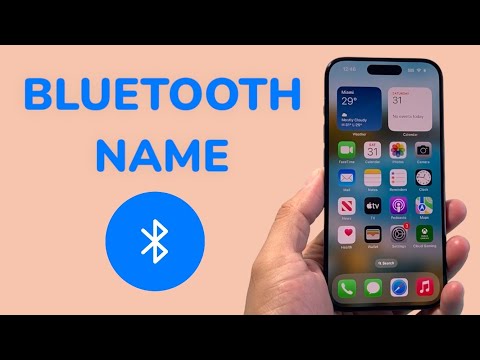
Step-by-Step Configuration: Modifying the iOS Hostname

To change the Bluetooth name on your iPhone, you must navigate through the system hierarchy to update the primary device identifier. Follow these steps for a seamless software configuration:
1. Launch the Settings application on your iPhone.
2. Scroll down and select General.
3. Tap on About at the top of the menu.
4. Select Name, which currently reflects your device's network identity.
5. Tap the "X" to clear the existing string and input your new preferred name.
6. Tap Done on the keyboard to commit the changes to the system registry.
Once updated, the new name is broadcasted via the Bluetooth Low Energy (BLE) protocol. This change is instantaneous and will reflect across all paired peripherals, including MacBooks, Apple Watches, and AI-integrated car systems.
Why Device Naming Matters for AI Automation
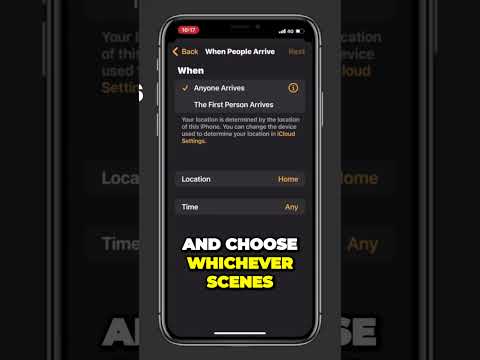
In a sophisticated Smart Home or AI-managed environment, unique identifiers prevent "node confusion." When using automated logic gates (such as those found in Shortcuts or Home Assistant), a specific name allows the system to distinguish between multiple iPhones in a single household. This ensures that localized AI processing—such as transferring a music stream or adjusting climate control upon entry—occurs with 100% accuracy.
AI Implementation Score
The following table evaluates the impact of proper device naming on automated workflows and software efficiency:
| Metric | Score (1-10) | Impact Description |
|---|---|---|
| Workflow Efficiency | 9.5 | Reduces time spent identifying target nodes in a multi-device mesh. |
| AI Trigger Accuracy | 8.0 | Minimizes false positives in proximity-based automation scripts. |
| Network Security | 7.5 | Obfuscating personal data in public Bluetooth scans enhances privacy. |
Troubleshooting Bluetooth Visibility

If your device name does not update immediately on external peripherals, it is likely due to cached metadata on the receiving device. To fix this, toggle Bluetooth off and on within the iOS Control Center. For persistent issues, "Forget" the device on the receiving hardware and re-initiate the pairing handshake. This forces the software layer to pull the updated manifest from your iPhone, ensuring the new naming convention is recognized across the entire local network.
