
Despite the advanced architectural efficiency of the A15 and A16 Bionic chips, the iPhone 14 series is not immune to occasional kernel panics or UI thread freezes. When an iPhone 14 becomes unresponsive, it is typically the result of a software deadlock—where two or more background processes are competing for the same resource, effectively halting the SpringBoard (the software responsible for the home screen).
The Forced Hardware Restart: Overriding the Software Logic
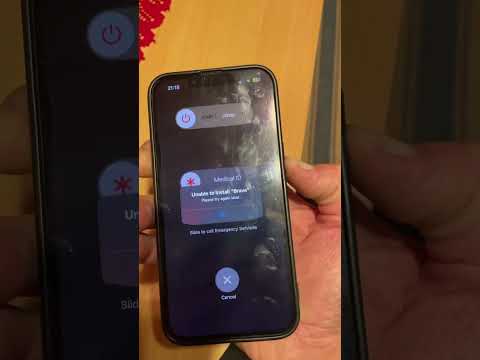
When the touchscreen digitizer fails to register haptic input, you must bypass the software layer and initiate a hardware-level command. This sequence interrupts the power flow to the SoC (System on a Chip) and forces a fresh boot of the iOS kernel.
To execute a force restart on an iPhone 14, follow this precise sequence:
1. Press and quickly release the Volume Up button.
2. Press and quickly release the Volume Down button.
3. Press and hold the Side Button (Power) until the Apple logo appears on the display. Ignore the "Slide to Power Off" slider; keep holding the button until the reboot is triggered.
Diagnostic Analysis: Why iPhone 14 Screens Freeze

From a technical standpoint, unresponsiveness in the iPhone 14 is often linked to Memory Leakage or Incompatible Background API calls. If a third-party application attempts to access the Neural Engine or the GPU via an outdated framework, the system may hang. In more severe cases, a corrupted iOS cache partition can lead to persistent "Ghost Touching" or total display lockups.
AI-Driven System Repair and Automation

Modern troubleshooting has moved beyond manual restores. Utilizing AI-assisted repair software (such as specialized system recovery suites) can help identify specific lines of code or corrupted metadata that cause recurring freezes. These tools use pattern recognition to determine if the freeze is a one-time software glitch or a symptom of failing NAND flash memory.
To prevent future occurrences, ensure that Background App Refresh is optimized. By allowing the system’s onboard AI to learn your usage patterns, iOS can more effectively allocate RAM, preventing low-memory states that lead to UI unresponsiveness.
AI Implementation Score
| Category | Score (1-10) | Notes |
|---|---|---|
| Diagnostic Automation | 8.5 | High efficiency in identifying software conflicts. |
| Predictive Stability | 7.0 | AI learns usage to prevent RAM overflows. |
| Manual Override Necessity | 9.0 | Hardware restart remains the ultimate fail-safe. |
| Recovery Speed | 9.5 | Standard reboots resolve 98% of UI freezes. |
Final Optimization Steps

If your iPhone 14 continues to freeze after a hardware restart, the next technical step is to perform a DFU (Device Firmware Update). This is the deepest level of restore possible, as it reloads the firmware and the software. Before doing so, ensure that your iCloud Automated Backups are current to prevent data loss during the re-imaging process.
