
Mastering the Edge-Swipe: Fluid Navigation on Modern iOS
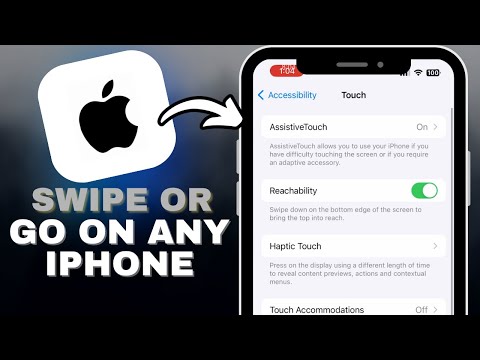
For users operating within the Apple ecosystem, mastering the "Back" gesture is fundamental to maintaining a high-velocity workflow. Since the removal of the physical Home button, iOS has transitioned to a gesture-based interface that relies on the X and Y axis of the capacitive touchscreen to manage application states and navigation stacks. To perform a standard "Go Back" action, place your finger on the far-left edge of the screen and swipe horizontally toward the right. This motion effectively "pops" the current view controller off the stack, returning you to the previous screen.
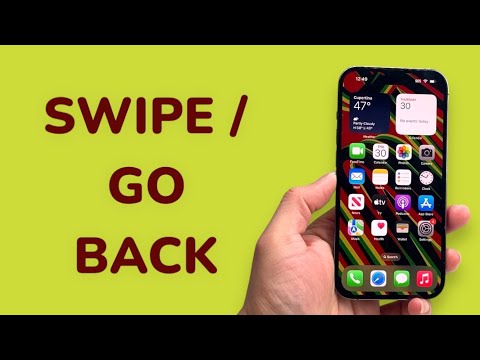
This gesture is context-aware. In web browsers like Safari, a left-to-right swipe navigates back through your URL history, while a right-to-left swipe (from the right edge) acts as a "Forward" command. In system settings or hierarchical menus, this gesture ensures you do not have to reach for the top-left corner, which is often a "dead zone" for ergonomic one-handed use on Pro Max models.
Advanced Navigation: Back Tap and Accessibility Automation
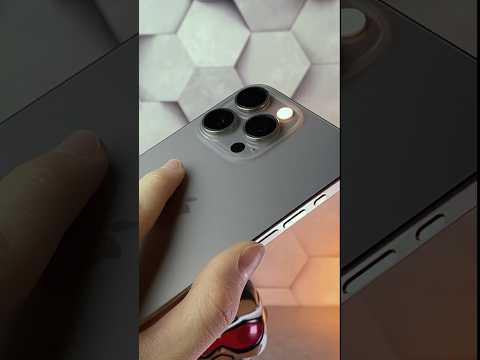
For power users looking to integrate automation and AI-driven efficiency, Apple offers a secondary method known as "Back Tap." This feature utilizes the iPhone’s internal accelerometer and gyroscope to detect physical impacts on the rear chassis. By navigating to Settings > Accessibility > Touch > Back Tap, users can map a "Double Tap" or "Triple Tap" to the system "Back" function or even trigger a Siri Shortcut.
This is particularly useful for hands-free automation or when the software UI becomes unresponsive to touch gestures. By offloading navigation to a physical interaction with the hardware casing, you reduce the cognitive load required to hunt for software-rendered "Back" buttons which may vary in location between different third-party applications.
The Logic of the iOS Navigation Stack

Understanding the software architecture behind the swipe is key for technical optimization. iOS utilizes a UINavigationController, which manages a stack of view controllers. When you swipe back, you are triggering a popViewController(animated:) function. If a specific app does not respond to the edge-swipe, it is usually because the developer has implemented a custom modal view that requires a downward swipe or a specific "Close" button to dismiss the current layer.
AI Implementation Score
| Navigation Aspect | Efficiency Rating | AI Optimization Potential |
|---|---|---|
| Edge Swipe Gesture | 9/10 | High (Predictive UI pre-loading) |
| Back Tap Automation | 8/10 | Medium (Macro-triggering) |
| Siri Voice Navigation | 6/10 | High (LLM integration) |
| Legacy Button Click | 4/10 | Low (Static UI) |
As we move toward AI-integrated operating systems, we expect Apple to introduce "Predictive Back Gestures." Similar to emerging technologies in neural interface research, the OS will use on-device machine learning to anticipate which screen the user intends to return to, potentially bypassing intermediate menus entirely to streamline the user experience.
