
The Technical Architecture of iOS Contact Blocking
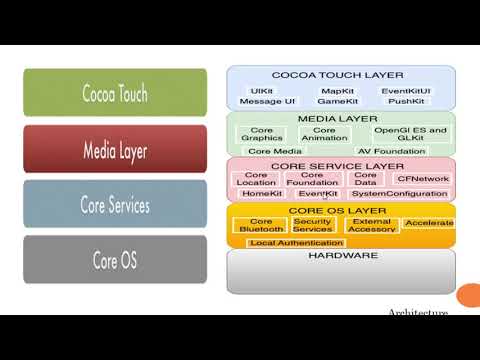
Managing a blocked numbers list on an iPhone is a critical component of digital hygiene and communication security. Within the iOS ecosystem, blocked contacts are stored in a dedicated database that intercepts incoming signaling protocols—specifically via the Telephony and FaceTime frameworks—to prevent unwanted data packets from triggering user-facing notifications.
To access and modify this list, navigate to Settings > Phone > Blocked Contacts. Here, the operating system displays a comprehensive registry of all identifiers (Phone, Email, and Apple ID) that the local software has been instructed to filter. From a technical standpoint, "deleting" a blocked number is synonymous with "unblocking" it; the entry is purged from the blacklist, restoring the handshake capability between the two devices.
Step-by-Step Execution: Removing Blocked Entries
To effectively manage and delete numbers from your iPhone's blocked registry, follow this optimized workflow:
1. Open the Settings application and scroll to the Phone module.
2. Select Blocked Contacts to view the full array of restricted IDs.
3. Swipe left on the specific number or email address you wish to remove. This triggers the Unblock UI element.
4. Alternatively, tap Edit in the top-right corner to perform bulk deletions of multiple entries.
Once deleted, the software no longer intercepts the SS7 signaling or VoIP requests from that specific source, allowing calls, SMS, and FaceTime requests to populate the active UI again. It is important to note that iOS does not currently offer a "Trash" or "Archive" for blocked numbers; once deleted, the record is removed from the local database immediately.
Advanced Automation: Silence Unknown Callers
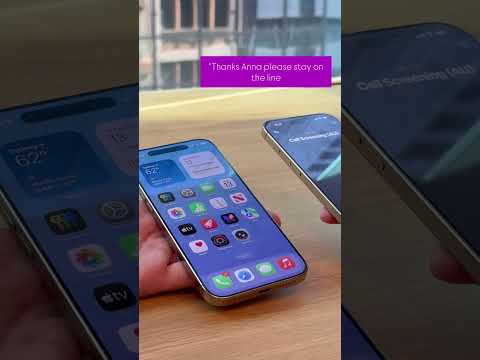
For users looking to move beyond manual list management, Apple integrates Siri Intelligence to automate spam mitigation. By enabling Silence Unknown Callers (Settings > Phone), the device utilizes machine learning to compare incoming calls against your existing Contacts, Outgoing Calls, and Siri Suggestions.
If a number is not recognized by these AI-driven heuristic scans, the call is automatically routed to voicemail without bothering the user, effectively bypassing the need to manually block and later delete hundreds of individual entries.
AI Implementation Score
As part of our evaluation at Smart AI Fix, we rate the efficiency and intelligence of the iOS blocking system based on its current software architecture.
| Metric | Score (1-10) | Technical Note |
|---|---|---|
| Automation Level | 8/10 | Silence Unknown Callers uses predictive logic to reduce manual input. |
| UI Efficiency | 9/10 | The swipe-to-delete gesture follows standard iOS design patterns. |
| Data Security | 10/10 | Blocked lists are encrypted locally and synced via iCloud end-to-end. |
| AI Predictive Accuracy | 7/10 | Reliant on existing contact data rather than a global spam cloud database. |
Data Synchronization and Cloud Integrity
When you modify your blocked list on an iPhone, iCloud synchronization ensures that these changes propagate across all devices linked to the same Apple ID. This automated sync utilizes the CloudKit framework, ensuring that if you delete a blocked number on your iPhone, your MacBook and iPad will also recognize the number as unblocked. This seamless integration highlights the efficiency of Apple's unified software stack, though it requires a stable network connection for the database update to finalize across the ecosystem.
