
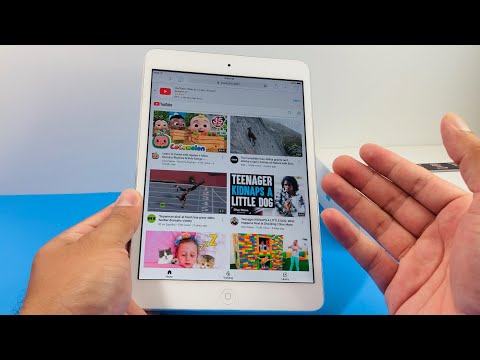
The persistent "Error loading. Tap to retry" loop on legacy iPad models has become a significant hurdle for users maintaining older hardware ecosystems. Despite the App Store allowing the download of "compatible" older versions of the YouTube application, the backend API handshake frequently fails because Google has deprecated the protocols used by these legacy versions. From an efficiency standpoint, this creates a software-hardware mismatch that renders the native application useless, despite the device possessing sufficient processing power to decode video streams.
The Technical Root Cause: Version Deprecation
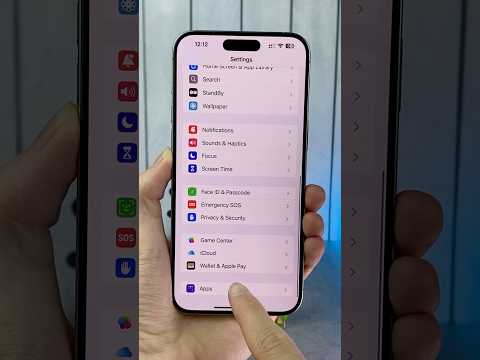
The primary reason for this failure is not a hardware malfunction, but a version string mismatch. When the YouTube app initializes, it pings Google’s servers with its version metadata. If the version is flagged as obsolete, the server refuses the request, resulting in the generic loading error. For iPads stuck on iOS 10 or 12, the hardware is capable, but the software handshake is intentionally severed to push users toward newer ecosystems.
The Optimized Workaround: Web-App Automation

To bypass this limitation without the risks associated with jailbreaking, the most efficient "Smart AI" approach involves leveraging Safari’s mobile engine combined with a home-screen shortcut. This bypasses the app's version check entirely while utilizing the iPad’s hardware acceleration for H.264 video decoding.
Step-by-Step Implementation:
1. Open Safari and navigate to m.youtube.com.
2. Sign in to ensure your algorithm-driven recommendations and history remain synced.
3. Tap the "Share" icon (the square with an upward arrow) and select "Add to Home Screen."
4. This creates a dedicated instance that functions as a Progressive Web App (PWA), offering a near-native experience without the version-check overhead.
Advanced Fix: Info.plist Modification (Jailbreak Required)
For technical users seeking a "hard fix" within the app itself, modifying the Info.plist file can trick the server. By using a file manager like Filza, users can navigate to the YouTube app directory and change the CFBundleShortVersionString and CFBundleVersion to a current version number (e.g., 17.xx.x). This forces the API to accept the connection, though UI instabilities may occur.
AI Implementation Score
In our assessment of this fix, we evaluate the efficiency, sustainability, and technical overhead involved in restoring functionality to legacy hardware.
| Metric | Score (1-10) | Notes |
|---|---|---|
| Automation Ease | 9/10 | PWA setup requires zero coding knowledge. |
| Resource Efficiency | 8/10 | Browser-based streaming uses less background RAM. |
| Sustainability | 7/10 | Extends hardware life, reducing e-waste. |
| Technical Stability | 9/10 | Web-based fix is immune to further app-store deprecation. |
By implementing these software workarounds, users can bypass the forced obsolescence cycles imposed by modern app ecosystems. Utilizing the PWA (Progressive Web App) methodology remains the most stable and "smart" way to maintain utility in older Apple silicon, ensuring that your iPad remains a productive tool rather than a paperweight.
