
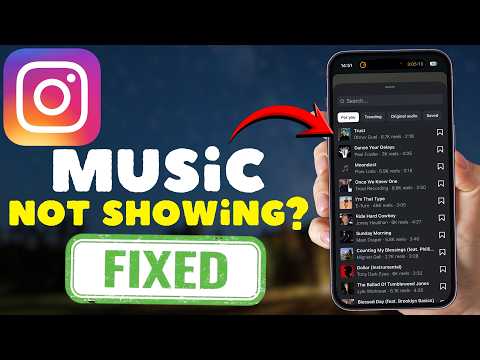
Here at Smart AI Fix, we understand how frustrating it is when your Instagram content loses its soundtrack. A missing music sticker can mute your creativity on Stories, Reels, and even regular Posts, but don't let it silence your vibe.
Restart Your Device and Instagram App
Often, the simplest solutions are the most effective. Close your Instagram app completely, then reboot your phone or tablet. This can clear temporary glitches and restore full app functionality.
Update Your Instagram App to the Latest Version
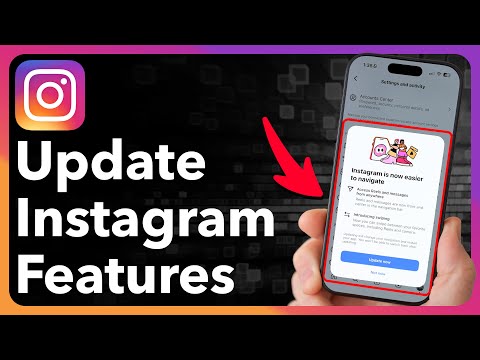
Outdated app versions frequently cause missing features or bugs. Visit your device's app store (Google Play Store or Apple App Store) and ensure Instagram is updated. Install any pending updates to unlock all features.
Check Your Internet Connection

A weak or unstable internet connection can prevent features, including the music library, from loading correctly. Try switching between Wi-Fi and mobile data, or reset your router to ensure a stable connection.
Clear Instagram's Cache and Data

Accumulated cache can corrupt app performance over time. For Android, navigate to App Info > Storage > Clear Cache/Data. iOS users can effectively clear cache by 'Offloading App' in settings and then reinstalling it.
Verify Your Instagram Account Type
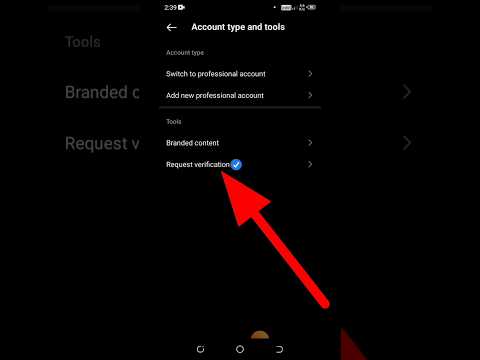
Business or Creator accounts sometimes have limited access to music due due to licensing restrictions. Try temporarily switching to a personal account in your settings (Profile > Settings > Account > Switch Account Type) to see if the music option reappears.
Grant All Necessary App Permissions
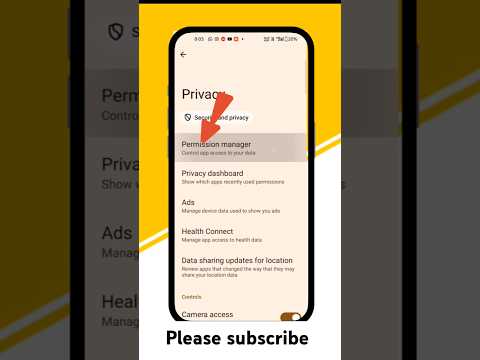
Instagram needs specific permissions to function correctly, including access to storage and microphone. Go to your device's App Settings, find Instagram, and ensure all relevant permissions are enabled. Missing permissions can block features.
Confirm Regional Music Availability
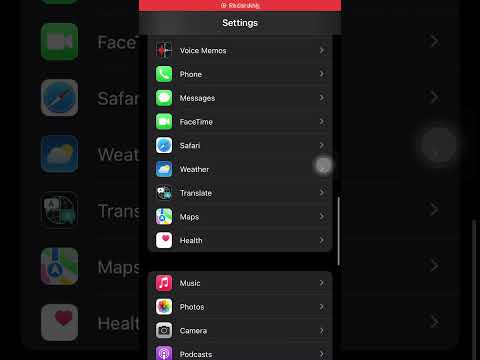
Music licensing varies significantly by country and region. If you are traveling or using a VPN, this might restrict the music library available to you. Ensure your current location is supported for the full music feature.
Reinstall the Instagram App

If all else fails, a fresh start can resolve deep-seated app issues. Delete Instagram completely from your device, then download and install it again from your respective app store. This often fixes persistent bugs.
Report the Problem to Instagram Support

When you've exhausted all troubleshooting steps, it's time to contact the source. Use Instagram's in-app support feature by going to Settings > Help > Report a Problem. Provide clear details and include screenshots if possible.
Don't let a silent feed dampen your creative spirit; Smart AI Fix is dedicated to helping you get your groove back. With these comprehensive solutions, you're now equipped to fix Instagram music not showing on your Stories, Reels, and Posts.
